

For independent contractors and gig workers, the traditional annual tax filing is replaced by a more frequent, high-stakes obligation: quarterly estimated taxes. The IRS expects you to pay your taxes four times a year. If you miss a deadline or underpay, you face interest and penalties that can quickly erode your hard-earned revenue. According to recent IRS compliance data, millions of self-employed individuals face underpayment penalties annually due to miscalculated estimates. This guide explains how to navigate these deadlines with precision using modern tax planning tools. (SnapTax Freelancer Tax Planning)
Why Quarterly Taxes Exist for Freelancers
Unlike W-2 employees, whose employers withhold taxes from every paycheck, freelancers must manage their own tax withholding. This system is known as the estimated tax system. The core principle is "pay as you earn." The government wants its share of your income throughout the year, not just in April.
Quarterly taxes cover two main components: income tax and self-employment tax. Self-employment tax is a significant burden for many 1099 workers. It covers Social Security and Medicare contributions. The standard self-employment tax rate is 15.3%. This rate applies to your net earnings from self-employment. You must calculate this tax separately from your federal income tax.
Failure to pay enough tax through quarterly estimates can result in an underpayment penalty. The IRS calculates this penalty based on how much you underpaid and how late the payment was. Avoiding these penalties requires accurate tracking and timely payments. SnapTax helps freelancers track income, deductions, mileage, and quarterly taxes in one place to prevent these costly errors.
The 2026 Quarterly Tax Deadline Calendar
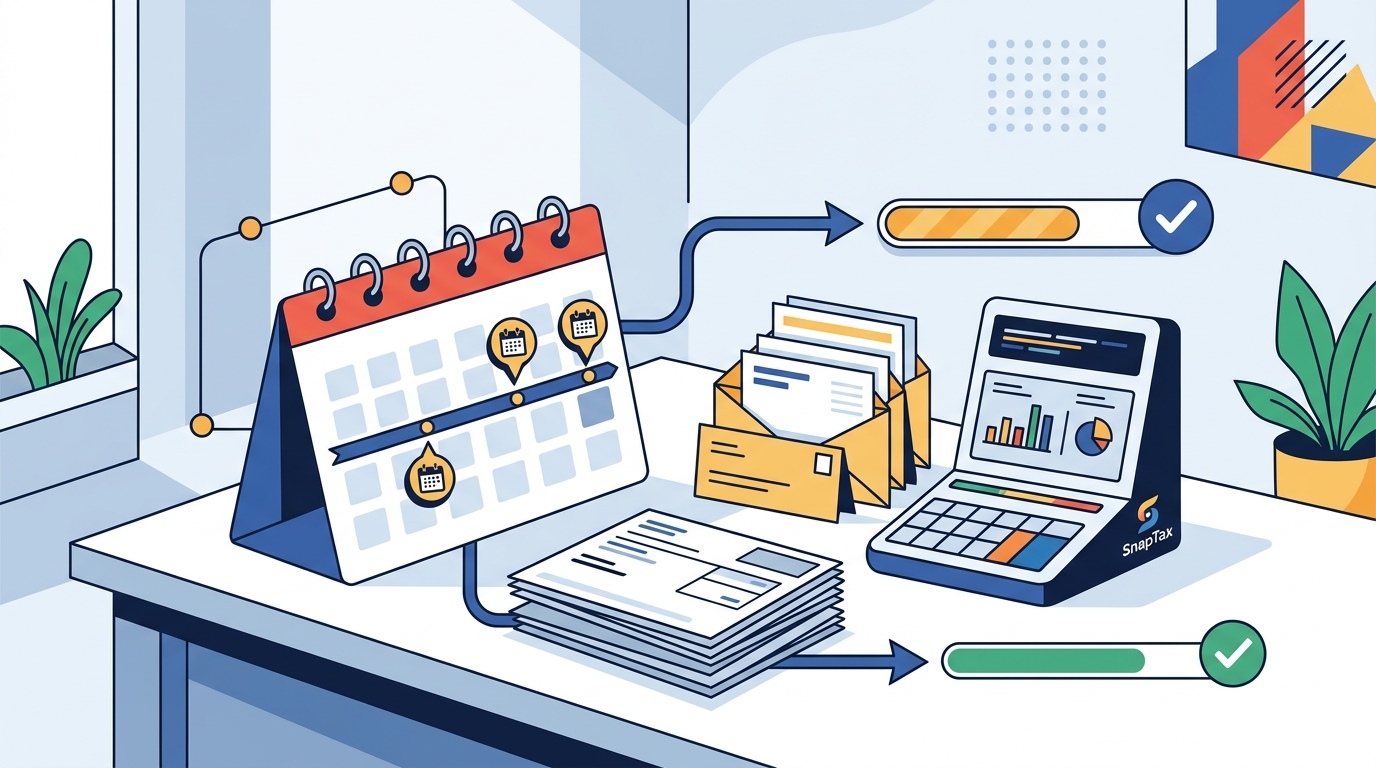
Knowing when to pay is just as important as knowing how much to pay. The IRS has established four specific deadlines for estimated tax payments. Missing these dates triggers automatic penalties. Here is the schedule for the 2026 tax year.
| Quarter | Payment Deadline | Income Period Covered |
|---|---|---|
| First Quarter | April 15, 2026 | January 1 – March 31 |
| Second Quarter | June 15, 2026 | April 1 – May 31 |
| Third Quarter | September 15, 2026 | June 1 – August 31 |
| Fourth Quarter | January 15, 2027 | September 1 – December 31 |
Note that if a deadline falls on a weekend or a federal holiday, the payment is due on the next business day. For example, if April 15 is a Saturday, the payment is due on Monday, April 17. Always verify the specific calendar date for your state, as some states have different deadlines for state estimated taxes. You can find more details on IRS payment deadlines to stay compliant.
How to Calculate Your Estimated Tax Liability
Calculating what you owe can be complex. You need to estimate your annual taxable income and apply the correct tax brackets. This process involves several steps that require accuracy to avoid underpayment penalties.
Step 1: Estimate Your Annual Income
Start by projecting your total revenue for the year. Include all 1099-NEC and 1099-K income. Be conservative. It is better to overpay slightly than to underpay and face penalties.
Step 2: Subtract Business Deductions
Deductions reduce your taxable income. Common deductions include home office expenses, internet bills, software subscriptions, and professional supplies. The IRS allows you to deduct ordinary and necessary business expenses. Using asset depreciation tax deductions can further lower your taxable income for equipment purchases.
Step 3: Calculate Self-Employment Tax
You must pay 15.3% on 92.35% of your net earnings. This is a fixed rate that does not change based on your income level. However, you can deduct half of this self-employment tax from your income tax calculation.
Step 4: Apply Income Tax Brackets
Apply your federal income tax brackets to your remaining taxable income. Add your state income tax if applicable. The result is your total estimated tax liability for the year.
Step 5: Divide by Four
Divide your total liability by four to determine each quarterly payment. If you expect your income to vary, you can use the Annualized Income Installment Method. This method allows you to pay less in earlier quarters if your income is lower then. Learn more about estimated tax calculations to optimize your cash flow.
Choosing the Right Tax Software for 1099 Workers
Manual calculations are prone to error. Using specialized software ensures accuracy and saves time. SnapTax is built specifically for independent contractors, gig workers, freelancers, consultants, real estate agents, rideshare drivers, content creators, and small business owners filing Schedule C. It provides real-time federal and state tax projections based on current IRS tables.
When selecting tax software, look for features that automate the heavy lifting. Key features to prioritize include:
- AI Expense Categorization: Upload bank statements in CSV, PDF, or OFX format. Let AI sort transactions into Schedule C categories automatically.
- Mileage Tracker: GPS-based business mileage tracking with IRS-compliant audit logs. This is crucial for rideshare drivers and delivery workers.
- Receipt Management: Snap, email, or upload receipts. OCR extracts vendor, amount, and date automatically to prevent lost documentation.
- Profit & Loss Reports: Monthly and annual P&L statements ready for your CPA or TurboTax export.
- TurboTax Export: Export your Schedule C data in TXF format for one-click import into TurboTax.
SnapTax offers four plans with no contracts and no setup fees. The Free plan is $0 forever with quarterly tax estimates and email reminders. The Starter plan is $4.99/month for monthly tracking. The Builder plan is $19.99/month for bank uploads and AI categorization. The Optimizer plan is $39.99/month for itemized deductions and QBI tracking. Compare these options to find the best fit for your business size.
Maximizing Deductions to Lower Your Bill
One of the biggest advantages of being a freelancer is the ability to deduct business expenses. These deductions directly reduce your taxable income, lowering your overall tax bill. However, you must keep detailed records to substantiate these claims during an audit.
Home Office Deduction
If you use part of your home exclusively and regularly for business, you may qualify for the home office deduction. You can use the simplified method or the regular method. The simplified method allows a deduction of $5 per square foot, up to 300 square feet. The regular method requires allocating actual expenses like rent, utilities, and insurance.
Health Insurance Premiums
Freelancers can deduct 100% of their health insurance premiums. This deduction is taken above the line, meaning it reduces your adjusted gross income directly. This is a significant saving for those without employer-sponsored coverage.
Retirement Contributions
Contributions to a SEP-IRA or Solo 401(k) are deductible. These accounts allow you to save more than a traditional IRA. For 2026, the contribution limits may change, so check the latest IRS guidelines. Contributing to these accounts not only saves for retirement but also reduces your current tax liability.
Quarterly Tax Penalties
If you have already missed a deadline, you can still avoid future penalties by paying immediately. Visit the IRS penalty avoidance page for specific instructions on how to rectify past underpayments.
Common Quarterly Tax Mistakes to Avoid
Even experienced freelancers make tax errors. Being aware of these common pitfalls can help you stay compliant and keep more of your money.
Mistake 1: Ignoring State Taxes
Federal taxes are only half the equation. Many states require estimated tax payments. Some states have different deadlines and rates. Failing to pay state taxes can result in separate penalties. Check your state revenue department website for specific requirements.
Mistake 2: Mixing Personal and Business Finances
Using a personal bank account for business income makes tracking difficult. It also risks piercing the corporate veil if you have an LLC. Open a dedicated business bank account. This separation simplifies accounting and audit preparation.
Mistake 3: Underestimating Income
Being overly optimistic about your income leads to underpayment. If you underpay by more than 10% of your actual tax liability, you will face penalties. Use SnapTax to get a real-time picture of your federal and state tax liability all year long.
Mistake 4: Forgetting About the Self-Employment Tax
Many freelancers only calculate income tax and forget the 15.3% self-employment tax. This is a common and costly error. Ensure your tax software includes this calculation in its projections.
Mistake 5: Procrastinating on Payments
Waiting until the last minute increases the risk of missing the deadline. Set up automatic payments or calendar reminders. SnapTax sends email reminders for all four IRS deadlines to help you stay on track.
Frequently Asked Questions
What is SnapTax?
SnapTax is tax planning software built specifically for freelancers, gig workers, and 1099 independent contractors. It tracks income and business expenses throughout the year and calculates a real-time federal and state tax estimate, including self-employment tax, so users always know what to set aside before each quarterly payment deadline.
How does SnapTax calculate what I owe?
SnapTax combines actual year-to-date income and deductions with a projection for the rest of the year. It then applies current federal brackets, the 15.3% self-employment tax, and your state's rates to show exactly what you owe and what to set aside.
Do I need to pay quarterly taxes if I make less than $400?
If your net earnings from self-employment are $400 or more, you must file a Schedule C and pay self-employment tax. However, you may not need to make quarterly estimated tax payments if your total tax liability is less than $1,000 for the year. Consult a tax professional for your specific situation.
Can I deduct my home office expenses?
Yes, if you use part of your home exclusively and regularly for business. You can choose between the simplified method or the regular method for calculating this deduction. SnapTax helps you track these expenses automatically.
What happens if I miss a quarterly tax deadline?
If you miss a deadline, you will owe a penalty for late payment. The penalty is calculated based on the amount underpaid and the number of days late. Pay as soon as possible to minimize the penalty. You can also request a penalty abatement if you have a reasonable cause.
How do I export my data to TurboTax?
SnapTax allows you to export your Schedule C data in TXF format. This file can be imported directly into TurboTax for a seamless filing experience. This feature is available on the Starter plan and above.
Is SnapTax secure?
SnapTax uses bank-level encryption to protect your financial data. Your information is never sold to third parties. You can read more about our security practices on our About page.
Start Planning Your Taxes Today
Quarterly taxes do not have to be a source of stress. With the right tools and knowledge, you can stay compliant and keep more of your earnings. SnapTax provides the real-time visibility and automated tracking you need to succeed as a freelancer.
Take control of your financial future. Start your free preview today and see how SnapTax can simplify your tax planning. Join thousands of freelancers who trust SnapTax to keep them tax-ready year-round.