

How to Choose the Right Tax Planning App for Your Freelance Business
Freelancers face a unique financial burden that traditional employees do not. According to the Internal Revenue Service, self-employed individuals must estimate and pay their own taxes four times a year. Missing these deadlines results in interest and penalties that can quickly erode profit margins. Most independent contractors discover this reality too late, often leading to overpayment of accounting fees or under-saving for the final tax bill. Choosing the correct tax planning software is not just a convenience; it is a critical operational necessity for financial survival.
Understand Your Freelancer Tax Needs
Before selecting a tool, you must define the scope of your financial operations. Freelance income is not uniform. It often comes from multiple sources, including 1099-NEC forms for services rendered and 1099-K forms for payment processing platforms. The complexity of your income streams dictates the sophistication of the software you require.
SnapTax is tax planning software built specifically for freelancers, gig workers, and 1099 independent contractors. It tracks income and business expenses throughout the year and calculates a real-time federal and state tax estimate, including self-employment tax, so users always know what to set aside before each quarterly payment deadline. If your work involves simple invoicing, a basic tracker may suffice. However, if you manage a team or handle complex asset depreciation, you need a robust platform.
Consider your current pain points. Do you struggle with receipt management? Are you unsure about quarterly estimated payments? Identifying these gaps ensures you do not pay for features you do not use while missing critical compliance tools.
Evaluate Core Features for 1099 Workers
The market is saturated with generic expense trackers. For freelancers, specific functionality is non-negotiable. You need a system that understands Schedule C requirements and IRS compliance standards.
Real-Time Tax Projections
Static spreadsheets fail because they do not account for changing tax brackets or self-employment tax rates. Effective software provides real-time federal and state tax projections based on current IRS tables. This feature allows you to adjust your savings strategy dynamically as your income fluctuates throughout the year.
AI Expense Categorization
Manual categorization is time-consuming and prone to error. Look for platforms that offer AI expense categorization. You can upload bank statements in CSV, PDF, or OFX formats, and the software sorts transactions into Schedule C categories automatically. This reduces administrative overhead and ensures that every deductible expense is captured correctly.
Mileage and Receipt Tracking
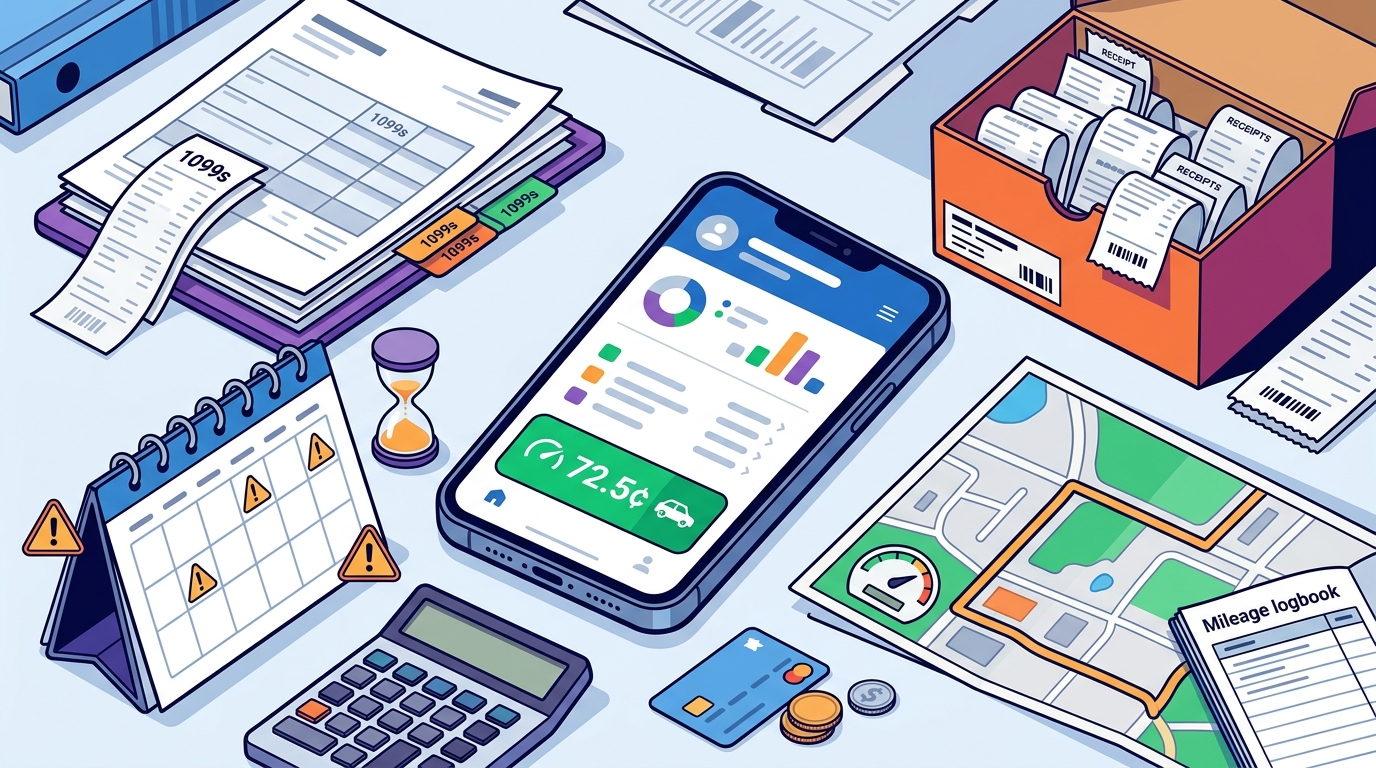
Business mileage is one of the most significant deductions for freelancers. GPS-based business mileage tracking with IRS-compliant audit logs provides the necessary proof in the event of an audit. Similarly, receipt management should allow you to snap, email, or upload receipts, with OCR technology extracting vendor, amount, and date automatically.
Compare Pricing Models and Plans
Pricing structures vary widely. Some apps charge a flat annual fee, while others use tiered monthly subscriptions. It is crucial to align the cost with the value provided. Below is a comparison of typical pricing tiers found in the market, using SnapTax as a benchmark for value.
| Plan Tier | Monthly Cost | Key Features | Best For |
|---|---|---|---|
| Free | $0 | Quarterly tax estimates, Tax Profile, IRS deadlines, email reminders | Beginners with simple income streams |
| Starter | $4.99 | Monthly tracking, savings goals, TurboTax export | Freelancers needing basic organization |
| Builder | $19.99 | Bank uploads, AI categorization, P&L reports, mileage, receipts | Growing freelancers with complex expenses |
| Optimizer | $39.99 | Itemized deductions, QBI, home office, retirement, capital gains | High-income earners and small business owners |
When evaluating costs, consider the blog resources available with each plan. Free tools often lack the depth required for accurate tax planning, leading to higher long-term costs due to penalties or accountant fees. Paid plans typically offer a 30-day free trial, allowing you to test the workflow before committing.
Integration and Export Capabilities
Your tax software must integrate seamlessly with your existing financial ecosystem. If you use TurboTax or another CPA firm for your annual filing, the ability to export data is critical. Look for platforms that support TXF format exports for one-click import into major tax preparation software.
Additionally, consider the 1099 tax calculator functionality. A robust calculator helps you estimate your liability accurately, ensuring you do not underpay during the year. The software should also generate Profit & Loss reports that are ready for your CPA, saving hours of manual data entry at tax time.
Security and Compliance Standards
Financial data is sensitive. Ensure the platform you choose employs bank-level encryption and complies with data protection regulations. While many apps claim security, verify their track record and user reviews. A breach of your financial data can have severe consequences for your freelance business.
Furthermore, the software should be updated regularly to reflect changes in tax law. The IRS frequently updates brackets and deduction rules. Software that fails to update these parameters will provide inaccurate estimates, potentially leading to underpayment penalties. According to recent financial studies, freelancers who use automated tax tools report a 20% reduction in tax-related stress and errors compared to those using manual methods.
Key Takeaways
- Quarterly Compliance: The IRS requires four estimated payments annually to avoid penalties.
- Real-Time Visibility: Use software that calculates federal and state liability in real-time.
- AI Automation: AI expense categorization reduces manual entry errors and saves time.
- Export Flexibility: Ensure the app exports to TXF format for easy TurboTax integration.
- Cost Efficiency: Paid plans like the Builder tier offer the best balance of features for growing freelancers.
- Mileage Deductions: GPS tracking provides IRS-compliant audit logs for vehicle expenses.
- Asset Depreciation: Advanced tools handle Section 179 and bonus depreciation automatically.
Frequently Asked Questions
What is the best tax app for 1099 workers?
The best app depends on your income complexity. For most freelancers, SnapTax offers a comprehensive suite of features including AI categorization and real-time tax estimates, making it a top choice for 1099 workers.
How does SnapTax calculate what I owe?
SnapTax combines actual year-to-date income and deductions with a projection for the rest of the year, then applies current federal brackets, the 15.3% self-employment tax, and your state's rates to show exactly what you owe.
Can I use a free tax app for my freelance business?
Free apps can help with basic quarterly estimates, but they often lack advanced features like AI categorization and detailed P&L reports. As your business grows, you may need to upgrade to a paid plan to ensure compliance and accuracy.
Does SnapTax help with quarterly tax penalties?
Yes. SnapTax tracks what you have already paid and keeps a full payment history. Before every IRS estimated-payment deadline, it shows the amount due, helping you avoid underpayment penalties.
Is SnapTax secure?
SnapTax uses bank-level encryption to protect your financial data. It is designed to handle sensitive information securely, ensuring your business data remains private and protected.
Can I export my data to TurboTax?
Yes. SnapTax allows you to export your Schedule C data in TXF format for one-click import into TurboTax, streamlining your annual tax filing process.
What is the Optimizer plan?
The Optimizer plan is a premium tier that unlocks itemized deductions, QBI, home office, retirement, and capital gains tracking. It is designed for high-income earners and small business owners with complex tax situations.
Start Your Tax Planning Journey
Do not wait until April to assess your tax situation. Proactive planning is the key to financial stability for freelancers. SnapTax provides the tools you need to track income, manage deductions, and stay compliant with IRS regulations. Visit our free preview to see how SnapTax can transform your financial workflow. For more insights on asset depreciation and tax strategies, explore our dedicated resources. Get started today and take control of your freelance finances.