

Common Mistakes When Tracking Income, Mileage, and Taxes in One App
Freelancers and independent contractors often face a significant financial blind spot when managing their own books. According to the Internal Revenue Service, underpayment penalties are a common issue for self-employed individuals who fail to estimate their tax liability accurately throughout the year. Many professionals discover they owe thousands in penalties only after filing their annual return. This article details the critical errors that undermine financial clarity and how to avoid them using robust tracking tools.
Why Integrated Tracking Matters for 1099 Workers
The self-employment tax system requires quarterly estimated payments. If you earn 1099 income, the IRS expects you to estimate and pay your own taxes four times a year. Missing a deadline or underpaying can lead to interest and penalties. Most freelancers find out too late and end up overpaying an accountant or under-saving for taxes.
Integrated software solves this by providing a real-time picture of your federal and state tax liability. SnapTax helps freelancers and 1099 workers track income, deductions, mileage, and quarterly taxes in one place. This consolidation prevents the data silos that often lead to missed deductions and compliance errors.
Mistakes in Income Categorization and Timing
One of the most frequent errors is failing to categorize income correctly from the start. Income is the total revenue generated from business activities before any expenses are deducted. When freelancers mix personal and business deposits, it becomes nearly impossible to determine the true profitability of their venture.
Ignoring the Cash Flow Reality
Many independent contractors record income only when they receive payment. However, accurate tracking requires logging income as it lands. This practice ensures that your Profit & Loss reports reflect the actual period in which the work was performed. Monthly and annual P&L statements are ready for your CPA or TurboTax when this data is kept current.
Overlooking Side Hustle Revenue
If you receive 1099-NEC or 1099-K income from multiple platforms, it is easy to lose track of smaller payments. SnapTax is built for independent contractors, gig workers, freelancers, consultants, real estate agents, rideshare drivers, content creators, and small business owners filing Schedule C. Consolidating these streams into a single dashboard prevents accidental omission during tax season.
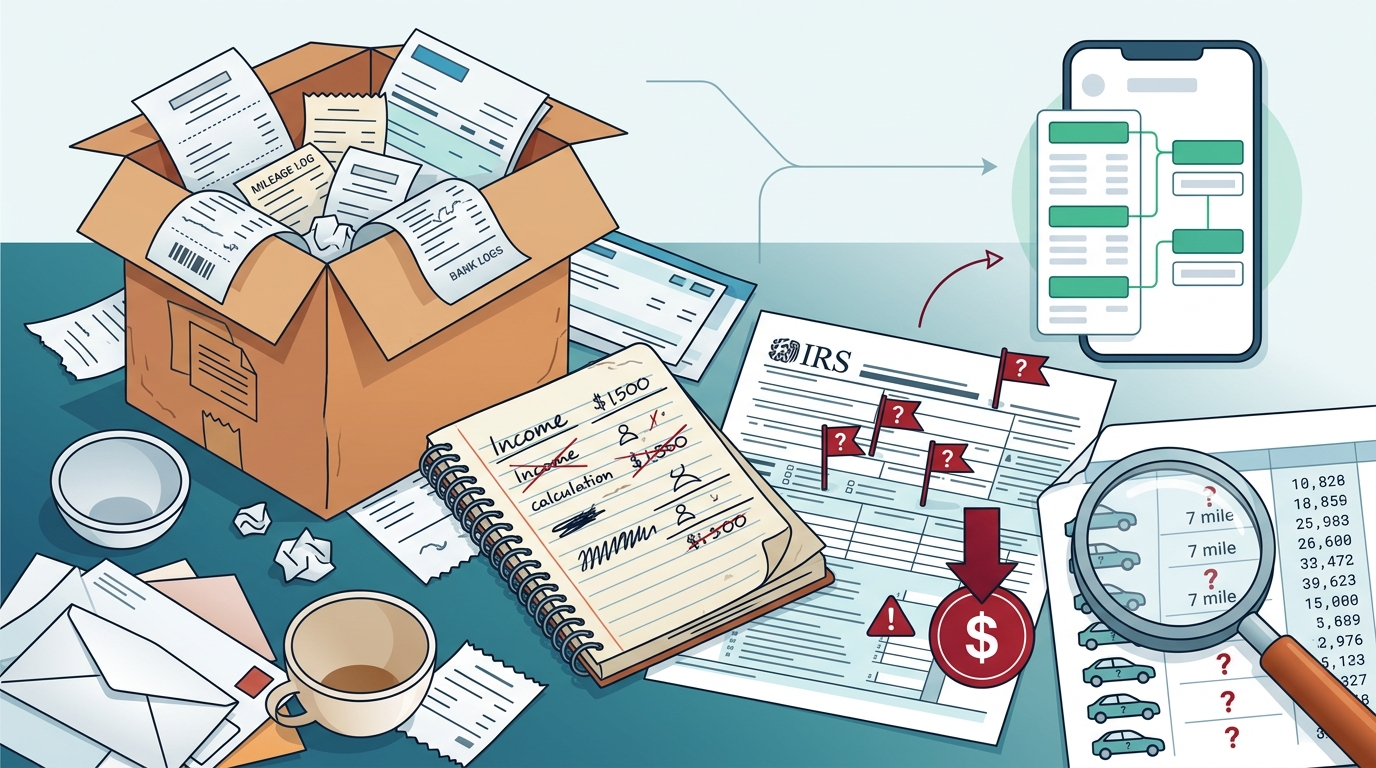
Mileage Tracking Errors and Audit Risks
Mileage is one of the most powerful deductions for freelancers, yet it is also the most prone to error. The standard mileage rate allows you to deduct the business use of your vehicle. However, the IRS requires strict documentation to support these claims.
Reliance on Memory
Estimating mileage at the end of the month is a recipe for disaster. GPS-based business mileage tracking with IRS-compliant audit logs is essential. SnapTax provides a mileage tracker that automatically logs trips, ensuring you have the necessary proof in case of an audit. Without this, you may lose the deduction entirely.
Confusing Personal and Business Trips
Not all driving is deductible. You must distinguish between commuting and business travel. Commuting is generally not deductible, while driving to a client meeting is. Clear categorization in your app prevents you from claiming non-deductible miles, which could trigger an IRS review.
Flaws in Real-Time Tax Estimation
Calculating taxes manually is fraught with errors. Tax liability is the total amount of tax that a person or entity owes to a government. For freelancers, this includes both federal income tax and self-employment tax.
Using Outdated Tax Brackets
Tax rates change annually. Using a calculator from a previous year can lead to significant underestimation. SnapTax calculates your estimated quarterly payment, due date, and projected annual tax owed using the latest IRS tax brackets. This ensures your savings align with current regulations.
Ignoring State-Specific Rules
State tax rates and deductions vary widely. A freelancer in California faces different obligations than one in Texas. SnapTax applies current federal brackets, the 15.3% self-employment tax, and your state's rates to show exactly what you owe. This localized accuracy is crucial for avoiding state-level penalties.
Choosing the Right Tool for Your Workflow
Not all tracking apps are created equal. Some offer basic expense logging, while others provide comprehensive tax planning. Below is a comparison of the key features to look for.
| Feature | Basic Spreadsheets | SnapTax Builder Plan | SnapTax Optimizer Plan |
|---|---|---|---|
| Quarterly Tax Estimates | Manual Calculation | Real-time Projection | Real-time Projection |
| AI Expense Categorization | None | Yes | Yes |
| Mileage Tracking | Manual Entry | GPS-Based | GPS-Based |
| Asset Depreciation | Manual | Basic Tracker | Section 179 & Bonus |
| TurboTax Export | Manual TXF | Yes | Yes |
For those seeking advanced features, the Optimizer plan at $39.99/month unlocks itemized deductions, QBI, home office, retirement, and capital gains tracking. Paid plans start with a 30-day free trial, allowing you to test the workflow before committing.
Key Takeaways
- Quarterly Deadlines are Critical: SnapTax tracks all four IRS deadlines to prevent underpayment penalties.
- AI Categorization Saves Time: Upload bank statements (CSV, PDF, OFX) and let AI sort transactions into Schedule C categories.
- Mileage Requires Proof: GPS-based tracking with audit logs is the only reliable way to substantiate deductions.
- Real-Time Estimates Prevent Surprises: See your real-time tax estimate by combining year-to-date income with current federal brackets.
- Asset Depreciation is Automatic: Section 179 and bonus depreciation are handled automatically for equipment and vehicles.
- Export for Simplicity: Export your Schedule C data in TXF format for one-click import into TurboTax.
- Free Plan is Viable: The Free plan offers quarterly tax estimates and a saved Tax Profile at $0 forever.
Frequently Asked Questions
What is SnapTax?
SnapTax is tax planning software built specifically for freelancers, gig workers, and 1099 independent contractors. It tracks income and business expenses throughout the year and calculates a real-time federal and state tax estimate.
How does SnapTax calculate what I owe?
SnapTax combines actual year-to-date income and deductions with a projection for the rest of the year, then applies current federal brackets and self-employment tax rates.
Can I use SnapTax for my small business?
Yes, SnapTax is built for small business owners filing Schedule C. It helps track income, deductions, mileage, and quarterly taxes in one place.
Is there a free version available?
Yes, the Free plan is $0 forever with no credit card required. It includes quarterly tax estimates, a saved Tax Profile, and all four IRS deadlines.
How does the mileage tracker work?
The mileage tracker uses GPS-based business mileage tracking with IRS-compliant audit logs to automatically record your business trips.
Can I export my data to TurboTax?
Yes, you can export your Schedule C data in TXF format for one-click import into TurboTax.
What is the difference between the Builder and Optimizer plans?
The Builder plan includes bank statement uploads and AI categorization. The Optimizer plan adds itemized deductions, QBI, home office, retirement, and capital gains tracking.
Start Tracking Accurately Today
Stop guessing your tax liability and start tracking with precision. SnapTax gives you a real-time picture of your federal and state tax liability all year long. Visit SnapTax to get started with a free account or explore our blog for more tips on freelancer tax planning. You can also learn more about asset depreciation tax deductions or how to avoid IRS quarterly tax penalties by visiting our dedicated resources. Take control of your finances with SnapTax's 1099 Tax Calculator and ensure you are always ready for tax season.