

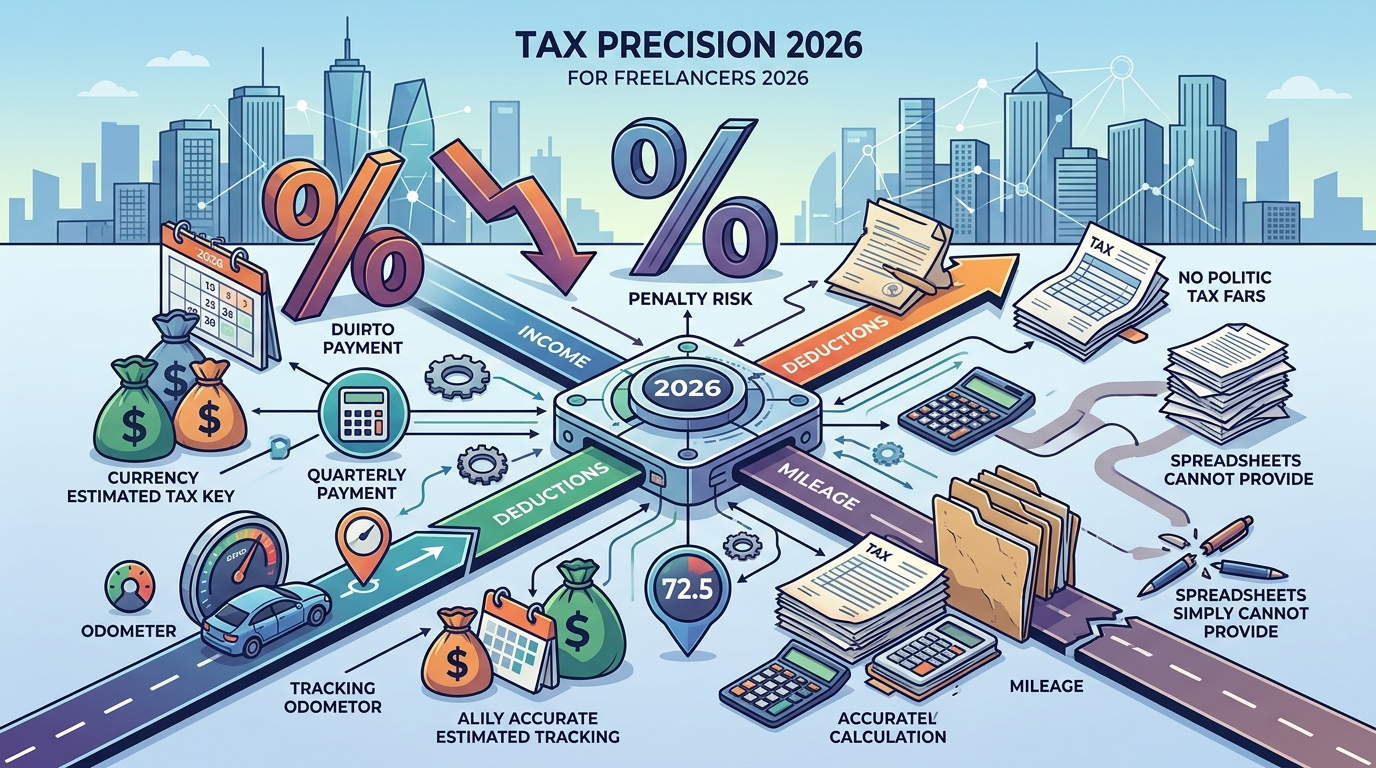
The landscape of freelance taxation in 2026 demands precision that spreadsheets simply cannot provide. According to recent IRS compliance data, self-employed individuals who fail to track quarterly estimated taxes face an average penalty rate of 5% to 25% on underpaid amounts. This statistic highlights the critical need for real-time financial visibility. Without a dedicated system, freelancers often overpay their accountants or under-save for the inevitable April filing deadline. SnapTax addresses this gap by offering a unified platform for income tracking, deduction management, and tax projection.
Understanding 2026 Deduction Rules
Self-employment tax remains a significant burden for independent contractors. Self-employment tax is a Social Security and Medicare tax assessed on net earnings from self-employment. In 2026, the standard rate remains at 15.3%, comprising 12.4% for Social Security and 2.9% for Medicare. However, the ability to deduct the employer-equivalent portion of this tax from your income is a crucial benefit that reduces your overall taxable income.
Freelancers must also navigate the Qualified Business Income (QBI) deduction. QBI deduction is a tax benefit allowing eligible taxpayers to deduct up to 20% of their qualified business income. This provision, originally introduced in the Tax Cuts and Jobs Act, continues to evolve. For 2026, income thresholds and phase-outs determine eligibility. High-income earners in specified service trades may face limitations, making accurate income tracking essential to maximize this benefit.
Another critical component is the standard deduction. Standard deduction is a fixed dollar amount that reduces your taxable income, available to taxpayers who do not itemize. For freelancers filing Schedule C, this deduction applies to their overall tax return, not just the business portion. Understanding the interplay between business deductions and the standard deduction is vital for minimizing total tax liability.
Cost-Benefit Analysis of Tax Software
Many freelancers attempt to manage their taxes using manual spreadsheets. This approach often leads to errors in categorization and missed deadlines. The cost of these errors includes not only financial penalties but also the time spent correcting mistakes. SnapTax offers a streamlined alternative that automates much of this process.
The primary benefit of using specialized software is real-time tax estimation. SnapTax calculates your federal and state tax liability throughout the year. This allows you to adjust your quarterly payments proactively. By avoiding underpayment penalties, you save money that would otherwise be lost to the IRS. Additionally, the platform's AI expense categorization reduces the time spent on data entry.
Another significant benefit is the seamless export to TurboTax. SnapTax allows you to export your Schedule C data in TXF format. This one-click import feature ensures that your data is transferred accurately to your tax return. This integration saves hours of manual entry during tax season. For freelancers who value their time, this efficiency is a substantial financial benefit.
Key Deductions for 1099 Workers
Maximizing your tax refund requires identifying all eligible deductions. Freelancers can deduct ordinary and necessary business expenses. These include home office costs, supplies, and professional services. SnapTax helps you track these expenses automatically through its receipt management system.
Home Office Deduction
If you use part of your home exclusively for business, you may qualify for the home office deduction. This can be calculated using the simplified method or the regular method. SnapTax's Optimizer plan includes tracking for home office expenses, helping you determine the most advantageous calculation method.
Mileage and Vehicle Expenses
Business mileage is a common deduction for freelancers. You can choose between the standard mileage rate or actual vehicle expenses. SnapTax's GPS-based mileage tracker provides IRS-compliant audit logs. This feature ensures that your mileage records are accurate and defensible in case of an audit.
Asset Depreciation
Purchasing equipment or vehicles for your business allows for depreciation deductions. Section 179 and bonus depreciation rules enable you to deduct the full purchase price in the year of acquisition. SnapTax's asset depreciation tracker handles these calculations automatically, ensuring you claim the maximum allowable deduction.
SnapTax Plan Comparison
Choosing the right plan depends on your specific needs and income level. SnapTax offers four distinct tiers, each designed to provide increasing levels of automation and insight.
| Plan | Price | Key Features | Best For |
|---|---|---|---|
| Free | $0 | Quarterly estimates, Tax Profile, IRS deadlines | Beginners with simple income |
| Starter | $4.99/mo | Monthly tracking, Savings goals, TurboTax export | Freelancers needing basic automation |
| Builder | $19.99/mo | AI categorization, P&L, Mileage, Receipts | Growing businesses with complex expenses |
| Optimizer | $39.99/mo | Itemized deductions, QBI, Retirement tracking | High-income earners maximizing deductions |
The Free plan provides a solid foundation for understanding your tax obligations. It includes quarterly tax estimates and a saved Tax Profile. This plan is ideal for freelancers who are just starting out and have minimal expenses. The Starter plan adds monthly income and expense tracking. It also includes a dynamic savings goal and TurboTax export. This plan is suitable for freelancers who need more detailed tracking without the complexity of AI categorization.
The Builder plan is designed for freelancers with more complex financial situations. It includes bank statement uploads and AI categorization. This feature automatically sorts transactions into Schedule C categories. The plan also includes Profit & Loss reports, asset tracking, and mileage tracking. This plan is ideal for freelancers who want to save time on data entry and gain deeper insights into their financial performance.
The Optimizer plan is the most comprehensive option. It includes all features from the Builder plan plus itemized deductions, QBI tracking, home office deductions, retirement planning, and capital gains tracking. This plan is designed for high-income earners who need to maximize their deductions and plan for long-term financial goals.
Implementation Strategy
Implementing a tax planning strategy requires consistent effort. SnapTax simplifies this process by integrating into your daily workflow. The platform encourages you to log income and expenses as they occur. This habit prevents the end-of-year scramble that many freelancers experience.
Start by setting up your Tax Profile. This includes entering your filing status, dependents, and other personal information. Next, connect your bank accounts or upload statements. SnapTax's AI will categorize your transactions automatically. Review these categories regularly to ensure accuracy. Adjust any misclassified items immediately.
Use the mileage tracker to log business trips. SnapTax's GPS feature records your routes automatically. This eliminates the need for manual logging and ensures accurate records. Review your Profit & Loss reports monthly to monitor your financial health. Use these insights to adjust your quarterly tax payments.
Finally, prepare for tax season by exporting your data to TurboTax. SnapTax's TXF export feature ensures that your data is transferred accurately. This saves time and reduces the risk of errors. By following this strategy, you can minimize your tax liability and maximize your refund.
Key Takeaways
- Self-employment tax rate remains 15.3% in 2026, requiring careful quarterly planning.
- The QBI deduction allows eligible freelancers to deduct up to 20% of qualified business income.
- SnapTax Free plan provides essential quarterly estimates at no cost.
- AI expense categorization in the Builder plan saves hours of manual data entry.
- GPS mileage tracking ensures IRS-compliant audit logs for vehicle deductions.
- Asset depreciation tracker automates Section 179 and bonus depreciation calculations.
- TurboTax TXF export enables one-click import for accurate tax filing.
Frequently Asked Questions
What is SnapTax?
SnapTax is tax planning software built specifically for freelancers, gig workers, and 1099 independent contractors. It tracks income and business expenses throughout the year and calculates a real-time federal and state tax estimate, including self-employment tax, so users always know what to set aside before each quarterly payment deadline.
How does SnapTax calculate what I owe?
SnapTax combines actual year-to-date income and deductions with a projection for the rest of the year. It then applies current federal brackets, the 15.3% self-employment tax, and your state's rates to show exactly what you owe and what to set aside.
Can I use SnapTax for my state taxes?
Yes, SnapTax calculates both federal and state tax liability. It uses standard deductions and tax rates for all 50 states to provide accurate estimates.
Is SnapTax secure?
SnapTax uses bank-level encryption to protect your financial data. Your information is never sold to third parties, and you have full control over your data.
How do I export my data to TurboTax?
SnapTax allows you to export your Schedule C data in TXF format. This file can be imported directly into TurboTax for one-click filing.
What is the difference between the Builder and Optimizer plans?
The Builder plan includes AI categorization, P&L reports, and mileage tracking. The Optimizer plan adds itemized deductions, QBI tracking, home office deductions, retirement planning, and capital gains tracking.
Does SnapTax help with quarterly tax payments?
Yes, SnapTax tracks your quarterly tax payments and shows you the amount due before each IRS deadline. It also keeps a full payment history to avoid surprises in April.
Can I deduct my home office expenses with SnapTax?
Yes, the Optimizer plan includes specific tracking for home office expenses. It helps you determine whether the simplified or regular method is more beneficial for your situation.
Start Your Tax Planning
Take control of your financial future with SnapTax. Our platform provides the tools you need to track income, manage deductions, and plan for quarterly taxes. Start with our Free plan to get a real-time picture of your tax liability. Upgrade to the Builder plan for AI-powered automation. Or choose the Optimizer plan to maximize your deductions. Visit our About page to learn more about our mission to empower freelancers. Use our 1099 Tax Calculator to estimate your savings today.