

Common Mistakes Freelancers Make When Choosing Tax Planning Apps and How to Avoid Them
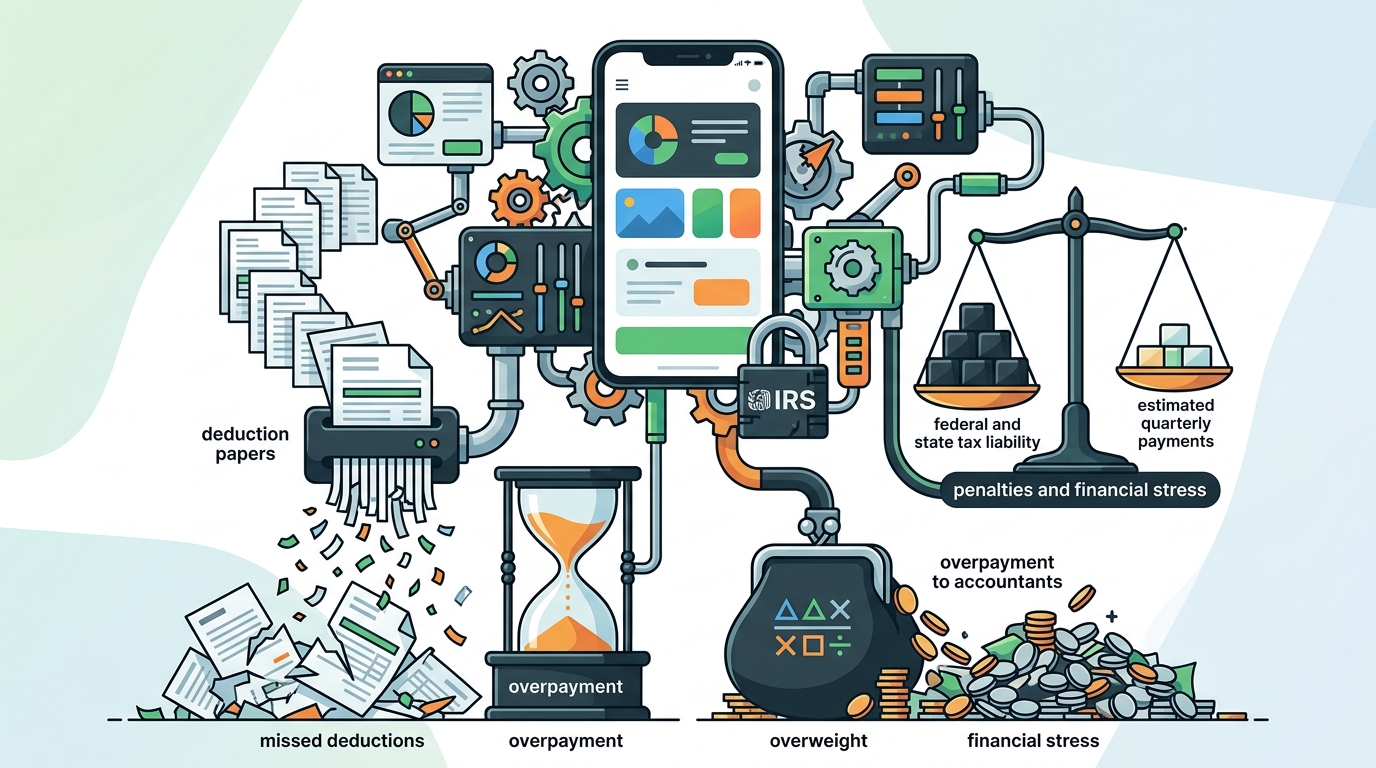
Choosing the wrong tax software can cost freelancers thousands in missed deductions and penalties. According to the Internal Revenue Service, underpayment penalties are a common issue for self-employed individuals who fail to estimate their quarterly taxes accurately. Many freelancers discover their tax liability too late, leading to financial stress and overpayment to accountants. This guide details the critical errors to avoid when selecting a tax planning tool, ensuring you stay compliant and maximize your savings.
Mistake 1: Ignoring Real-Time Tax Projections
One of the most costly errors freelancers make is relying on static calculators that only provide a snapshot of their tax liability at a single point in time. Tax planning is not a one-time event; it is a continuous process that requires dynamic adjustments as income fluctuates. Without real-time projections, you cannot accurately predict your quarterly estimated payments.
SnapTax is tax planning software built specifically for freelancers, gig workers, and 1099 independent contractors. It tracks income and business expenses throughout the year and calculates a real-time federal and state tax estimate. This approach ensures you always know what to set aside before each quarterly payment deadline, preventing the surprise of a large tax bill in April.
When evaluating apps, look for features that update your liability instantly as you log income or expenses. This dynamic view allows you to adjust your savings strategy mid-year, ensuring you never fall behind on IRS deadlines. For more insights on avoiding penalties, visit our guide on avoiding IRS quarterly tax penalties.
Mistake 2: Overlooking AI-Powered Expense Categorization
Manual expense tracking is time-consuming and prone to human error. Many freelancers spend hours at the end of the year sorting through bank statements, only to miss valid deductions because they were misclassified. This inefficiency not only wastes time but also increases the risk of audit triggers due to inconsistent record-keeping.
AI expense categorization solves this problem by automatically sorting transactions into Schedule C categories. By uploading bank statements in CSV, PDF, or OFX formats, you can let advanced algorithms handle the heavy lifting. This feature is particularly valuable for freelancers with high transaction volumes, such as rideshare drivers or e-commerce sellers.
Ensure the app you choose uses AI trained specifically on tax codes. General accounting tools may not understand the nuances of self-employment deductions. SnapTax’s Builder plan includes this AI categorization, helping you identify every eligible expense without manual intervention. Learn more about maximizing your deductions by exploring our asset depreciation tax deductions guide.
Mistake 3: Failing to Track Mileage and Assets
Mileage and asset depreciation are two of the most significant deductions for freelancers, yet they are often overlooked. Many apps treat these as afterthoughts, requiring manual entry that is easily forgotten. If you use your vehicle for business, failing to track mileage can result in thousands of dollars in lost savings.
A robust tax app should include a GPS-based mileage tracker with IRS-compliant audit logs. This feature automatically records business trips, ensuring you have the necessary documentation in case of an audit. Similarly, an asset depreciation tracker should handle Section 179 and bonus depreciation automatically for equipment and vehicles.
Without these integrated tools, you are leaving money on the table. SnapTax includes both mileage tracking and an asset depreciation tracker in its Builder and Optimizer plans, ensuring you capture every eligible deduction. For a deeper dive into these specific deductions, check out our detailed asset depreciation tax deductions resource.
Choosing Apps Without TurboTax Export
Even the best tax planning app is useless if it cannot seamlessly transfer your data to your final tax return. Many freelancers struggle to export their data in a format that their CPA or tax software can read. This friction often leads to double entry, increasing the risk of errors and additional fees.
TurboTax export is a critical feature for any serious tax planning tool. It allows you to export your Schedule C data in TXF format for one-click import into TurboTax. This seamless integration saves hours of work and ensures your planning data matches your final filing exactly.
When comparing apps, verify that they offer direct export capabilities to major tax platforms. SnapTax’s Starter plan and above include TurboTax export, making the transition from planning to filing effortless. You can also preview the app for free to test this feature before committing.
Neglecting State-Specific Tax Rules
Tax laws vary significantly by state. An app that only calculates federal taxes will leave you vulnerable to state penalties and underpayments. Many freelancers move between states or work remotely for clients in different jurisdictions, making state-specific calculations essential.
Ensure your chosen app covers all 50 states and updates its rates regularly. SnapTax calculates your estimated quarterly payment, due date, and projected annual tax owed using the latest IRS tax brackets, self-employment tax rates, and standard deductions for all 50 states. This comprehensive coverage ensures you are compliant regardless of your location.
For more information on how SnapTax handles these complexities, visit our about page to learn about our commitment to accurate, up-to-date tax data.
Comparing SnapTax Plans for Freelancers
Choosing the right plan depends on your specific needs and income level. Below is a comparison of SnapTax’s four plans to help you make an informed decision.
| Plan | Price | Key Features | Best For |
|---|---|---|---|
| Free | $0 | Quarterly tax estimates, Tax Profile, IRS deadlines, email reminders | New freelancers with simple income |
| Starter | $4.99/mo | Monthly tracking, savings goals, TurboTax export | Freelancers needing basic organization |
| Builder | $19.99/mo | AI categorization, P&L reports, mileage, receipts, asset tracker | High-volume freelancers and gig workers |
| Optimizer | $39.99/mo | Itemized deductions, QBI, home office, retirement, capital gains | Complex tax situations and high earners |
Each plan is designed to scale with your business. The Free plan provides a solid foundation, while the Builder and Optimizer plans offer advanced features for those with more complex financial profiles. Paid plans start with a 30-day free trial, allowing you to test the full feature set before committing.
Key Takeaways
- Real-Time Projections are Essential: Static calculators fail to capture the dynamic nature of freelance income, leading to underpayment penalties.
- AI Categorization Saves Time: Automated expense sorting reduces errors and ensures no deduction is missed.
- Mileage and Assets Matter: GPS tracking and depreciation tools are critical for maximizing deductions for vehicle and equipment users.
- Seamless Export is Non-Negotiable: TXF export to TurboTax prevents double entry and filing errors.
- State Coverage is Critical: Apps must cover all 50 states to ensure compliance for remote or traveling freelancers.
- SnapTax Offers Scalable Solutions: From Free to Optimizer, plans cater to every stage of freelance growth.
- Proactive Planning Prevents Penalties: Regular tracking and quarterly payments avoid IRS interest and penalties.
Frequently Asked Questions
What is SnapTax?
SnapTax is tax planning software built specifically for freelancers, gig workers, and 1099 independent contractors. It tracks income and business expenses throughout the year and calculates a real-time federal and state tax estimate, including self-employment tax, so users always know what to set aside before each quarterly payment deadline.
How does SnapTax calculate what I owe?
SnapTax combines actual year-to-date income and deductions with a projection for the rest of the year. It then applies current federal brackets, the 15.3% self-employment tax, and your state's rates to show exactly what you owe and what to set aside.
Does SnapTax track mileage?
Yes, SnapTax includes a GPS-based business mileage tracker with IRS-compliant audit logs. This feature is available in the Builder and Optimizer plans, ensuring you capture all business-related travel for deductions.
Can I export my data to TurboTax?
Yes, SnapTax allows you to export your Schedule C data in TXF format for one-click import into TurboTax. This feature is available in the Starter, Builder, and Optimizer plans.
Is there a free version of SnapTax?
Yes, SnapTax offers a Free plan that includes quarterly tax estimates, a saved Tax Profile, all four IRS deadlines, the quarterly payments dashboard, and email reminders. There is no credit card required for the Free plan.
How does AI expense categorization work?
SnapTax’s AI categorization allows you to upload bank statements in CSV, PDF, or OFX formats. The AI then sorts transactions into Schedule C categories automatically, saving you hours of manual entry.
What is the Optimizer plan for?
The Optimizer plan is designed for freelancers with complex tax situations. It unlocks itemized deductions, QBI, home office, retirement, and capital gains tracking, providing a comprehensive view of your tax liability.
Does SnapTax cover all 50 states?
Yes, SnapTax calculates tax liabilities for all 50 states, including standard deductions and state-specific rates, ensuring compliance regardless of your location.
Start Your Tax Planning Today
Don’t wait until April to figure out your taxes. Choose the right tool now to avoid penalties, maximize deductions, and gain peace of mind. Start your free trial of SnapTax today and take control of your freelance finances.