

Managing freelance finances often feels like a part-time job. Manual entry is slow, error-prone, and leads to missed deductions. Automated expense categorization is the process of using software to classify transactions into tax categories without manual input. This guide outlines the most effective methods for sorting your books. It helps you save time and ensure accuracy for your quarterly estimates.
1. Bank Statement Uploads
Importing raw data is the foundation of automation. Most modern tools allow you to upload CSV, PDF, OFX, or QFX files directly from your bank. This method works with any financial institution, credit union, or payment processor. You do not need to connect your bank account securely to the software. This flexibility is crucial for freelancers who use multiple accounts for different projects or clients.
2. AI-Powered Transaction Classification
Artificial intelligence reads and sorts transactions instantly. Machine learning models analyze transaction descriptions and assign them to specific tax categories. For example, a charge from a software vendor is automatically tagged as 'Software & Subscriptions.' The system learns from your corrections over time. This reduces the need for manual tagging significantly as the database grows.
3. Business Use Percentage Tracking
Splitting mixed-use expenses is a critical automation feature. Many freelancers use personal accounts for business purchases. A business use percentage feature allows you to apply a split to specific transactions. For instance, you might mark a phone bill as 80% business and 20% personal. This ensures your Profit and Loss statement reflects only the deductible portion. It eliminates the need for separate business bank accounts if you prefer a simpler setup.
4. Mobile Receipt Capture and Matching
Photographing receipts and linking them to transactions is essential. Mobile apps allow you to snap a photo of a receipt at the point of sale. The software then extracts the vendor, amount, and date using optical character recognition. It matches this data to the corresponding bank transaction automatically. This creates a complete audit trail for every deduction you claim.
5. Bulk Transaction Editing
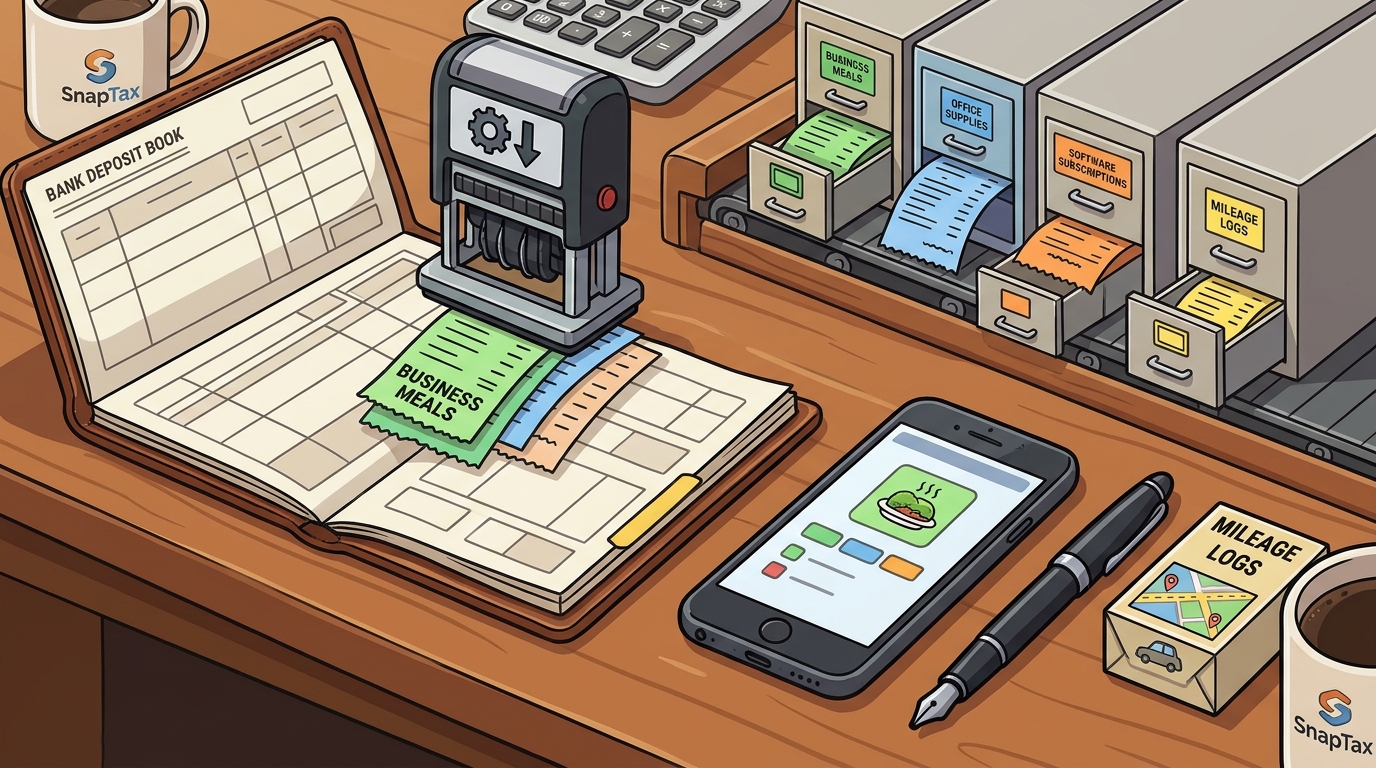
Correcting multiple errors at once saves hours. Sometimes the AI makes a mistake or you need to adjust a category for a group of similar items. Bulk editing features let you select multiple transactions and change their category, business use percentage, or status in one action. This is particularly useful for recurring expenses like software subscriptions or office supplies. It streamlines the review process significantly.
6. Automated Mileage Tracking
GPS-based tracking captures business miles without manual logging. The 2026 IRS standard mileage rate is $0.725 per business mile through June 30 and $0.76 per mile from July 1. Proper documentation is required to support this deduction. Automated mileage apps use GPS to distinguish between business and personal driving. They generate a log that flows directly into your expense reports. This ensures you capture every deductible mile accurately.
7. Real-Time Profit and Loss Updates
Seeing the tax impact of every expense in real time is powerful. As transactions are categorized, your Profit and Loss statement updates instantly. This shows you your net income and estimated tax liability at any moment. It helps you adjust your savings rate for quarterly payments. You always know exactly how much you owe the IRS before the deadline.
Choosing the Right Method
Select a tool that combines bank imports, AI categorization, and receipt matching. Ensure it supports business use percentages and real-time reporting. The best solution fits your specific workflow and volume of transactions.
Frequently Asked Questions
Do I need a separate business bank account for automation?
No, you do not. Many tools allow you to use personal accounts and apply business use percentages to specific transactions. This is often more convenient for freelancers who do not want to manage multiple bank logins.
How accurate is AI categorization for freelance expenses?
AI categorization is highly accurate for common expenses like software and office supplies. It improves over time as you correct any misclassifications. You should still review transactions periodically to ensure accuracy.
What is the 2026 standard mileage rate?
The 2026 IRS standard mileage rate is $0.725 per business mile through June 30 and $0.76 per mile from July 1. You must document business miles to claim this deduction.
Can I import data from QuickBooks or other software?
Yes, many tax planning tools allow you to import Profit and Loss data from accounting software. This lets you use your existing books while gaining tax-specific insights and estimates.
How often should I review my categorized expenses?
It is best to review expenses monthly. This keeps your books current and allows you to catch errors early. Monthly reviews also help you stay on track for quarterly tax payments.
Start Automating Your Books
Take control of your freelance finances with SnapTax's AI-powered expense tracker. It handles the heavy lifting so you can focus on your work. Start your free trial today and see how easy tax planning can be.