

Freelancers often underestimate the value of accurate mileage tracking for their tax liability. The IRS requires proper documentation to support the standard mileage deduction, which can significantly reduce taxable income. Choosing the right software ensures you capture every deductible mile without the hassle of manual logs.
1. Automatic GPS Logging
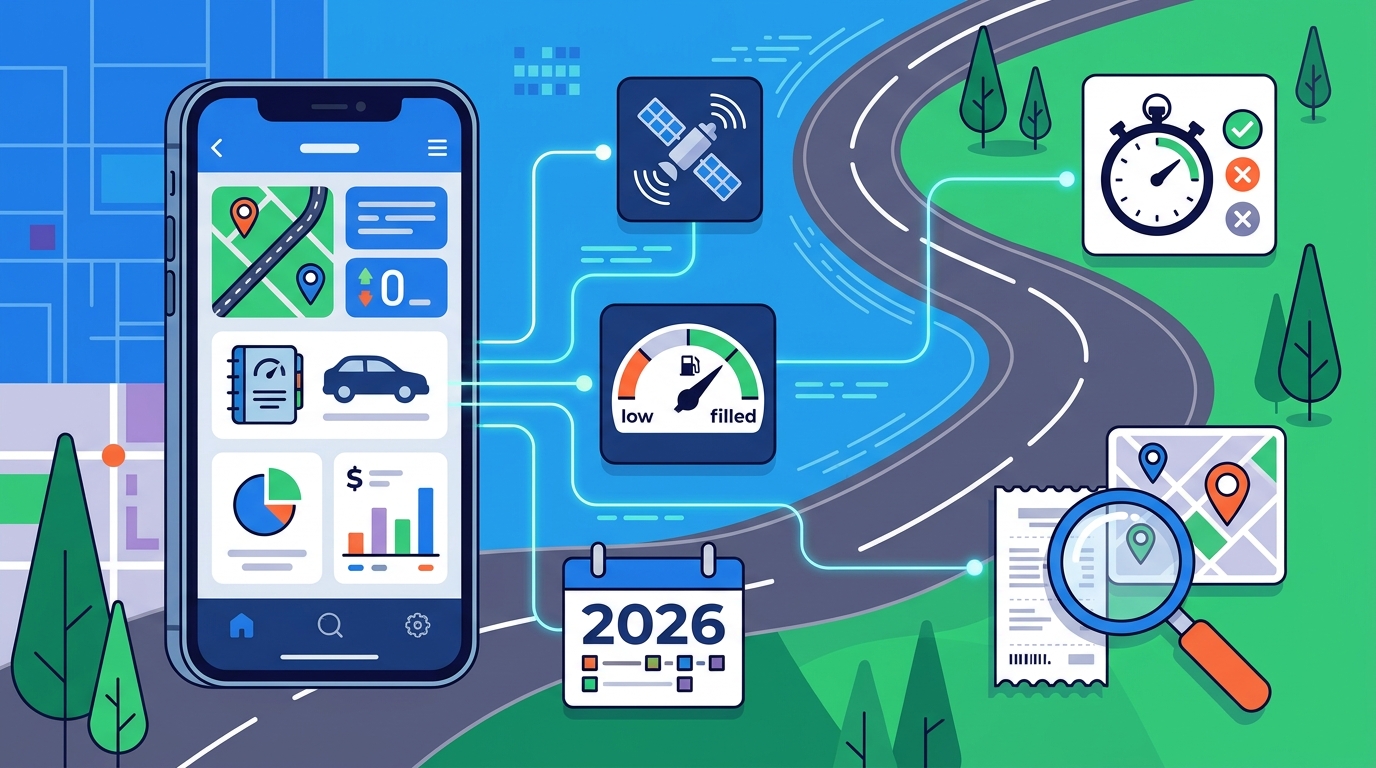
Automated GPS logging eliminates the risk of forgotten or incomplete manual entries. This feature uses your phone's GPS to record the start and end points of a trip, calculating the exact distance driven. It ensures that every business trip is captured in real-time, providing an audit-ready trail that satisfies IRS documentation requirements.
2. Real-Time Business Purpose Tagging
Tagging trips with a business purpose at the time of driving is critical for audit defense. The IRS expects a mileage log that includes the date, destination, and business purpose for every deductible trip. Software that prompts you to enter this information immediately after a trip ends ensures your records are complete and contemporaneous.
3. IRS-Compliant Log Export
One-click export to IRS-compliant formats saves hours during tax preparation. A robust mileage tracker should generate a detailed log that includes all required fields, such as date, miles, and purpose. This export can be shared directly with your tax professional or used to support your Schedule C deduction.
4. Automatic Rate Application
Automatic application of the current IRS standard mileage rate ensures accurate deduction calculations. For 2026, the IRS standard mileage rate is $0.725 per business mile through June 30 and $0.76 per mile from July 1. Software that automatically applies the correct rate based on the date of the trip prevents calculation errors and ensures you claim the maximum allowable deduction.
5. Integration with Tax Estimates
Seamless integration with quarterly tax estimates provides a real-time view of your tax liability. When mileage deductions are automatically factored into your net income, your quarterly tax estimate updates instantly. This helps you set aside the correct amount of money for taxes throughout the year, avoiding underpayment penalties.
6. Multi-Vehicle Support
Support for multiple vehicles is essential for freelancers who use different cars for business. If you drive a personal car for some clients and a company vehicle for others, your software should allow you to track mileage separately for each. This ensures that business-use percentages are calculated accurately for each vehicle.
7. Cloud Backup and Sync
Cloud backup ensures your mileage data is safe and accessible from any device. If your phone is lost or damaged, your mileage records should still be available. Cloud sync also allows you to access your logs from a desktop computer, making it easier to review and export your data at tax time.
Choosing the Right Mileage Tracking Software
When selecting mileage tracking software, prioritize features that align with your specific workflow and tax needs. Look for tools that offer automatic GPS logging, real-time business purpose tagging, and seamless integration with your tax estimates. SnapTax provides these features in a user-friendly interface designed specifically for freelancers and 1099 workers. To plan your visit, for more information.
Frequently Asked Questions
What is the 2026 IRS standard mileage rate?
The 2026 IRS standard mileage rate is $0.725 per business mile through June 30 and $0.76 per mile from July 1.
Do I need to log every single business trip?
Yes, the IRS expects a mileage log for every deductible trip, including the date, destination, and business purpose.
Can I use my phone's built-in GPS app for mileage tracking?
While possible, dedicated tax software offers better integration with tax estimates and IRS-compliant export formats.
How does mileage tracking affect my quarterly tax estimates?
Mileage deductions reduce your net income, which in turn lowers your quarterly tax estimates when integrated into your tax planning software.
Is SnapTax a licensed tax advisor?
No, SnapTax is tax planning software designed to help freelancers estimate their tax liability. It is not a substitute for professional tax advice.