

Freelancers and independent contractors face a unique financial challenge that traditional employees do not. According to the Internal Revenue Service, self-employed individuals must estimate and pay their own taxes four times a year. Missing these deadlines or underpaying can result in significant interest and penalties. This reality makes choosing the right tax software critical for maintaining cash flow and avoiding unexpected liabilities. The market offers several solutions, but they serve different needs. This guide compares SnapTax, TurboTax, and QuickBooks to help you decide which platform aligns with your business model. (SnapTax Freelancer Tax Planning)
SnapTax: The Freelancer Specialist
SnapTax is built specifically for the gig economy. It is not a general accounting tool disguised for freelancers. It is a dedicated tax planning engine designed for 1099 workers, independent contractors, and small business owners filing Schedule C. The platform focuses on real-time tax liability tracking rather than just end-of-year filing. (SnapTax Freelancer Tax Planning)
The core value proposition of SnapTax lies in its ability to provide a real-time picture of your federal and state tax liability throughout the year. By entering your income and deductions, the software calculates your estimated quarterly payment, due date, and projected annual tax owed. It uses the latest IRS tax brackets, self-employment tax rates, and standard deductions for all 50 states. This proactive approach helps freelancers avoid the common pitfall of under-saving for taxes. (SnapTax Freelancer Tax Planning)
SnapTax includes several specialized features for independent contractors. The AI expense categorization allows users to upload bank statements in CSV, PDF, or OFX formats. The system then sorts transactions into Schedule C categories automatically. Additionally, the GPS-based mileage tracker provides IRS-compliant audit logs, which is crucial for defense during an audit. The asset depreciation tracker handles Section 179 and bonus depreciation for equipment and vehicles without manual calculation. (SnapTax Freelancer Tax Planning)
For those who prefer manual control, SnapTax also offers a receipt management system. Users can snap photos, email, or upload receipts. OCR technology extracts the vendor, amount, and date automatically. This ensures that every deductible expense is captured and categorized correctly. The platform also generates Profit & Loss reports that are ready for your CPA or for import into other tax software.
TurboTax: The Consumer Giant
TurboTax, produced by Intuit, is the most recognized name in consumer tax preparation. While it has expanded into small business services, its core strength remains individual tax filing. For freelancers, TurboTax offers a specific product line called TurboTax Self-Employed. This version is designed to handle Schedule C filings and maximize deductions for independent contractors.
TurboTax is known for its guided interview process. It asks questions in plain language to help users identify every possible deduction. This is particularly helpful for freelancers who may overlook common write-offs such as home office expenses, health insurance premiums, or retirement contributions. The software also provides expert support options for users who encounter complex tax situations.
One of the significant advantages of TurboTax is its accuracy guarantee. If the IRS challenges your return and you used TurboTax, they will cover any penalties and interest caused by an error in the software. This provides a layer of security that many freelancers find valuable. However, TurboTax is primarily a filing tool. It does not offer the same level of ongoing tax planning and quarterly payment tracking as SnapTax. Users must manually track their income and expenses throughout the year before importing them into TurboTax for filing.
TurboTax also integrates with other Intuit products, such as QuickBooks. This can be beneficial for freelancers who already use the Intuit ecosystem. However, the integration can sometimes lead to data duplication or confusion if not managed carefully. The pricing for TurboTax Self-Employed is typically higher than SnapTax's premium plans, especially when considering the add-ons required for state filings or additional schedules.
QuickBooks: The Accounting Powerhouse
QuickBooks, also by Intuit, is the industry standard for small business accounting. For freelancers, it offers a comprehensive solution for managing all aspects of their business finances. QuickBooks Online is not just a tax tool; it is a full accounting system that handles invoicing, expense tracking, payroll, and financial reporting.
The primary benefit of QuickBooks is its ability to streamline business operations. Freelancers can create professional invoices, track payments, and manage client relationships within the same platform. The expense tracking features are robust, allowing for automatic bank feed imports and categorization. This reduces the manual effort required to prepare for tax season.
QuickBooks also offers powerful reporting capabilities. Users can generate detailed Profit & Loss statements, balance sheets, and cash flow reports. These insights help freelancers make informed business decisions and understand their financial health. The platform also integrates with a vast ecosystem of third-party apps, including payment processors, CRM tools, and project management software.
However, QuickBooks has a steeper learning curve than SnapTax or TurboTax. It is designed for accountants and business owners who need full control over their financial data. For freelancers who simply want to file their taxes and move on, QuickBooks may feel overwhelming and unnecessary. Additionally, the monthly subscription cost is significantly higher than SnapTax's plans. While it offers immense value for growing businesses, it may be overkill for solo freelancers with simple tax needs.
Feature Comparison Matrix
Understanding the differences between these platforms is essential for making an informed decision. The following table summarizes the key features of each tool.
| Feature | SnapTax | TurboTax Self-Employed | QuickBooks Online |
|---|---|---|---|
| Primary Focus | Freelancer Tax Planning | Tax Filing | Full Accounting |
| Quarterly Tax Tracking | Real-time Estimates | Annual Filing Only | Manual Tracking |
| AI Expense Categorization | Yes (Schedule C) | Yes | Yes |
| Mileage Tracking | GPS-Based Audit Logs | Manual Entry | Bank Feed Import |
| Asset Depreciation | Automatic (Section 179) | Guided Calculation | Automated Schedules |
| TurboTax Export | Yes (TXF Format) | N/A | Yes (via Integration) |
| Best For | Solo Freelancers | Simple Filers | Growing Businesses |
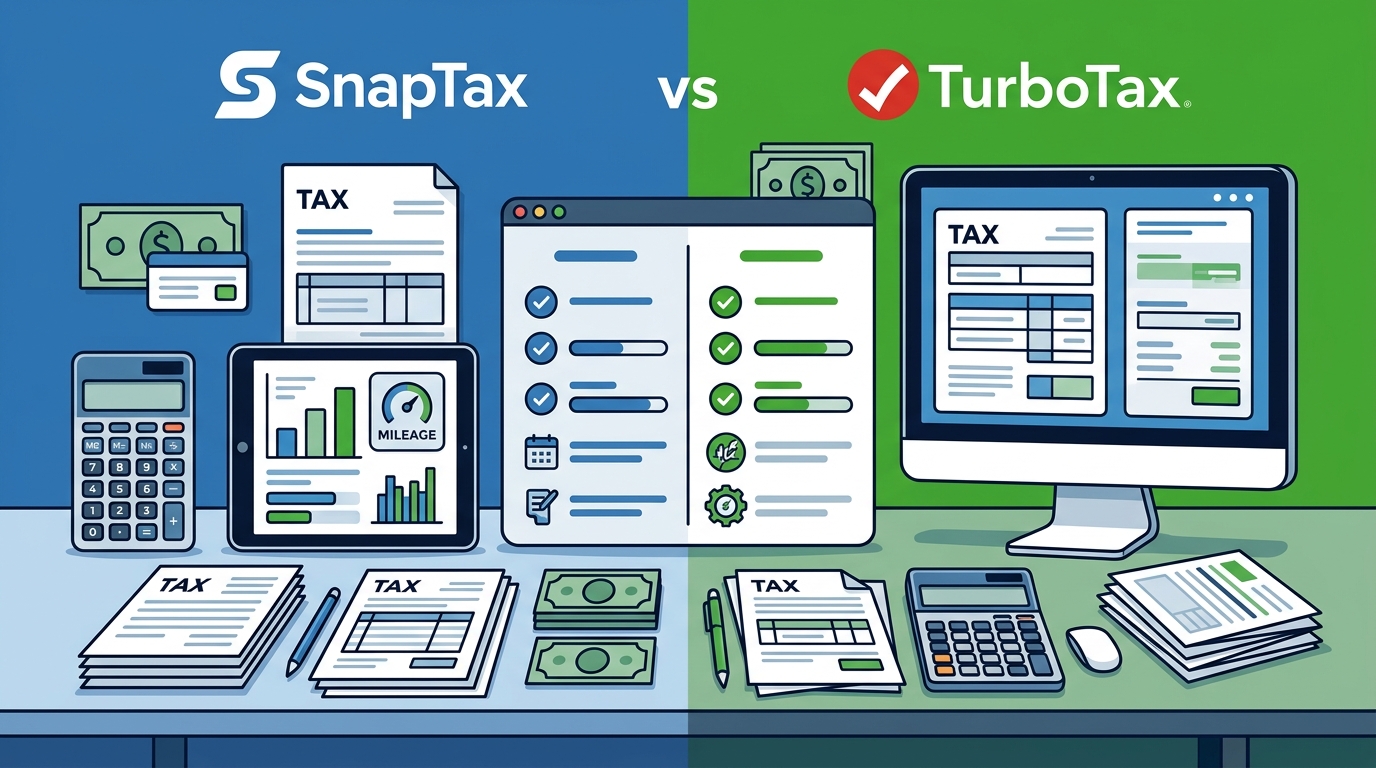
Pricing and Value Analysis
Pricing is a major factor in choosing the right software. SnapTax offers a tiered pricing model that scales with the complexity of your tax situation. The Free plan provides quarterly tax estimates and a saved Tax Profile at no cost. This is ideal for freelancers who want to monitor their tax liability without committing to a paid plan.
The Starter plan costs $4.99 per month. It adds monthly income and expense tracking, a dynamic savings goal, and TurboTax export capabilities. This plan is suitable for freelancers with straightforward income sources and minimal deductions. The Builder plan, priced at $19.99 per month, includes bank statement uploads, AI categorization, Profit & Loss reports, and mileage tracking. This is the most popular plan for serious freelancers who need comprehensive tax planning tools.
The Optimizer plan, currently in beta, costs $39.99 per month. It unlocks itemized deductions, QBI tracking, home office expenses, retirement contributions, and capital gains tracking. This plan is designed for high-income freelancers with complex tax situations. Paid plans start with a 30-day free trial, allowing users to test the features before committing.
TurboTax Self-Employed pricing varies based on the complexity of the return. Basic filing starts around $60, while premium versions with state filing and additional schedules can exceed $150. QuickBooks Online pricing starts at approximately $30 per month for the basic plan and goes up to $200 per month for the advanced plan. While QuickBooks offers more features, the cost is significantly higher than SnapTax's Builder plan.
Key Takeaways
- SnapTax is built for 1099 workers. It provides real-time tax liability tracking and quarterly payment estimates specifically for freelancers.
- TurboTax is best for filing. It offers a guided interview process to maximize deductions but lacks ongoing tax planning features.
- QuickBooks is for full accounting. It handles invoicing, payroll, and financial reporting but has a steep learning curve and higher cost.
- AI categorization saves time. SnapTax's AI sorts bank transactions into Schedule C categories, reducing manual entry errors.
- Mileage tracking is critical. SnapTax's GPS-based tracker provides IRS-compliant audit logs, which are essential for defense during an audit.
- Asset depreciation is automated. SnapTax handles Section 179 and bonus depreciation automatically, simplifying a complex tax topic.
- TurboTax export is available. SnapTax allows users to export Schedule C data in TXF format for one-click import into TurboTax.
Frequently Asked Questions
What is SnapTax?
SnapTax is tax planning software built specifically for freelancers, gig workers, and 1099 independent contractors. It tracks income and business expenses throughout the year and calculates a real-time federal and state tax estimate, including self-employment tax, so users always know what to set aside before each quarterly payment deadline.
How does SnapTax calculate what I owe?
SnapTax combines actual year-to-date income and deductions with a projection for the rest of the year. It then applies current federal brackets, the 15.3% self-employment tax, and your state's rates to show exactly what you owe and what to set aside.
Is SnapTax better than TurboTax for freelancers?
SnapTax is better for ongoing tax planning and quarterly payment tracking. TurboTax is better for end-of-year filing and maximizing deductions through a guided interview. Many freelancers use SnapTax throughout the year and export their data to TurboTax for filing.
Does SnapTax handle state taxes?
Yes, SnapTax calculates estimated quarterly payments for both federal and state taxes. It uses standard deductions and tax rates for all 50 states to provide accurate projections.
Can I use SnapTax if I have multiple income sources?
Yes, SnapTax is designed to handle multiple income sources. You can log income from various clients and platforms, and the AI will categorize the transactions correctly for Schedule C reporting.
What is the free plan of SnapTax?
The free plan includes quarterly tax estimates, a saved Tax Profile, all four IRS deadlines, the quarterly payments dashboard, and email reminders. It is $0 forever with no credit card required.
How does SnapTax handle mileage tracking?
SnapTax uses GPS-based mileage tracking to record business trips. It generates IRS-compliant audit logs that document the date, distance, and purpose of each trip, which is crucial for substantiating mileage deductions during an audit.
Start Your Free Trial Today
Take control of your freelance finances with SnapTax. Whether you are a solo creator or a growing small business owner, our platform provides the tools you need to stay tax-ready year-round. Start your 30-day free trial of the Builder plan today and see how SnapTax can simplify your tax planning. Visit snaptaxapp.com to get started.