

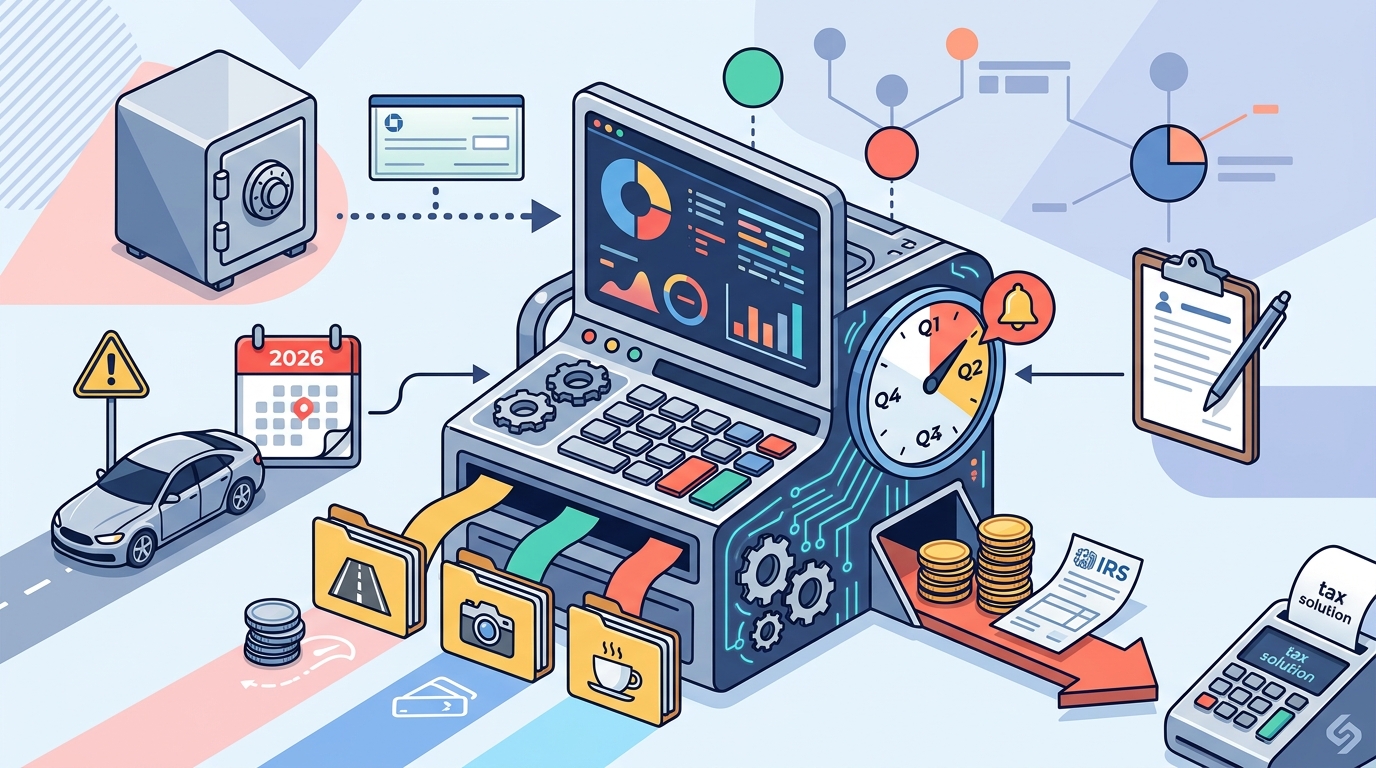
Freelancers track quarterly estimated taxes automatically by using software that syncs bank accounts, categorizes expenses, and recalculates tax liability in real time. This guide covers how to automate bank syncing, expense categorization, tax calculations, payment reminders, and IRS payments. It explains the 2026 standard mileage rate and documentation requirements to help you avoid underpayment penalties.
Bank Account Syncing
Automated tax tracking begins with capturing every dollar of income and expense. Manual data entry is slow and prone to errors. Bank account syncing eliminates this friction by pulling transaction data directly into your tax planning software. This ensures your year-to-date income and expense totals are always current.
Direct Connections vs. File Uploads
Some tools require direct bank connections, which can be complex to set up. Others allow you to upload bank statements in various formats. SnapTax supports file uploads for CSV, PDF, OFX, and QFX files. This flexibility means you can use any bank, credit union, or payment processor without needing a specific integration. You can upload statements from personal or business accounts, and the software reads the data automatically.
Why Syncing Matters for Quarterly Estimates
Freelancer income is rarely consistent. A slow month followed by a busy one changes your tax bracket and quarterly payment amount. If your software does not sync with your bank, your tax estimate remains static. It reflects your January income, not your current reality. Real-time syncing ensures your quarterly tax estimate updates immediately after you upload a new statement. This keeps your savings target accurate throughout the year.
Expense Categorization
Expenses reduce your taxable income, but only if they are categorized correctly. Manual tagging is time-consuming and often leads to missed deductions. Automated expense categorization uses artificial intelligence to sort transactions into the right tax categories. This process saves hours of work each month and ensures you claim every legitimate deduction.
AI-Powered Sorting
Modern tax software uses AI to learn your spending patterns. It identifies business expenses, mixed-use items, and personal charges automatically. For example, it can distinguish between a business meal and a personal dinner. It can also assign a business-use percentage to items like a phone or vehicle. This level of detail is difficult to maintain manually over several months. The AI gets smarter over time as it processes more of your transactions.
Business Use Percentages
Many freelancers use personal accounts for business expenses. This is common but requires careful tracking. You must document what portion of each expense is for business use. SnapTax allows you to assign business-use percentages to mixed-use items. This ensures your deductions are accurate and defensible. It also simplifies your profit and loss statement, making it easier to understand your true net income.
Quarterly Tax Calculation
Quarterly tax calculation is the core of automated tax tracking. The IRS requires freelancers to pay estimated taxes four times a year. The amount you owe depends on your net income, deductions, and tax rates. Manual calculations are complex and often outdated. Automated software recalculates your tax liability every time your income or expenses change.
Understanding the 2026 Rates
The 2026 tax year includes specific rates and limits that affect your calculations. The self-employment tax rate is 15.3% on the first $184,500 of net earnings. The standard mileage rate is $0.725 per mile for January through June 30, and $0.76 per mile from July 1. These rates are built into SnapTax, so you do not need to look them up manually. The software applies the correct rate based on the date of your mileage or income.
Real-Time Recalculation
When you upload a bank statement or categorize an expense, your tax estimate updates instantly. This is not a year-end snapshot. It is a living number that reflects your current financial situation. If you have a better month than expected, your quarterly payment target increases. If you have a slower month, it decreases. This real-time feedback loop helps you save the right amount each month. It prevents the common mistake of underpaying in the first half of the year and overpaying in the second half.
Payment Reminders
Knowing what you owe is only half the battle. You must also remember to pay it on time. The IRS charges a penalty for underpaying quarterly taxes. This penalty accrues daily from the deadline. It can add up quickly, even if you pay the full amount by April 15. Automated payment reminders ensure you never miss a deadline.
Proactive Notifications
Effective tax software sends reminders before each quarterly deadline. It also tracks your progress toward your savings goal. You can see how much you have saved so far and how much you still need. This visual progress bar helps you stay on track. If you are behind, the software can alert you so you can catch up. This proactive approach reduces the stress of tax season and helps you avoid penalties.
Safe Harbor Calculations
The IRS offers a safe harbor rule that can help you avoid underpayment penalties. It allows you to pay based on your prior year's tax liability instead of your current year's estimate. This is useful if your income is expected to decrease. SnapTax includes safe harbor calculations in its quarterly estimates. It compares your prior year's liability with your current year's projection. This helps you choose the payment strategy that minimizes your risk.
IRS Payment Portals
Once you know how much to pay, you need a way to send it to the IRS. The IRS provides several online portals for making estimated tax payments. These portals are secure and convenient. They allow you to pay by bank transfer or credit card. Understanding how to use these portals is essential for completing your automated tax tracking workflow.
Electronic Federal Tax Payment System
The Electronic Federal Tax Payment System (EFTPS) is the primary method for paying federal estimated taxes. It is free to use and requires a registration process. You will need to set up an account and obtain a PIN. Once set up, you can log in and make payments directly from your bank account. This method is reliable and widely used by freelancers and small business owners.
IRS Direct Pay
IRS Direct Pay is another option for making estimated tax payments. It is a free service that allows you to pay directly from your checking or savings account. It does not require a separate registration process. You can access it through the IRS website. This option is convenient for one-time payments or if you do not want to set up EFTPS. Both portals are secure and provide confirmation of your payment.
| Feature | Manual Tracking | Automated Tracking (SnapTax) |
|---|---|---|
| Bank Syncing | Manual entry | File upload (CSV, PDF, OFX, QFX) |
| Expense Categorization | Manual tagging | AI-powered auto-categorization |
| Tax Calculation | Static annual estimate | Real-time quarterly updates |
| Payment Reminders | Calendar alerts | Proactive in-app and email reminders |
| Mileage Tracking | Manual log | GPS tracking and auto-log |
Key Takeaways
- Automated tax tracking starts with syncing your bank accounts to capture all income and expenses.
- AI-powered expense categorization saves time and ensures you claim all legitimate deductions.
- Real-time tax calculation updates your quarterly payment target as your income changes.
- The 2026 standard mileage rate is $0.725 per mile for January through June 30, and $0.76 per mile from July 1.
- Proactive payment reminders help you avoid IRS underpayment penalties.
- The IRS offers secure online portals like EFTPS and Direct Pay for making estimated tax payments.
- Safe harbor calculations can help you avoid penalties if your income is expected to decrease.
- Proper documentation of business mileage is required to support the deduction.
Frequently Asked Questions
What is the 2026 standard mileage rate?
The 2026 standard mileage rate is $0.725 per mile for January through June 30, and $0.76 per mile from July 1. You must document your business mileage to support the deduction.
How does automated tax tracking work?
Automated tax tracking uses software to sync your bank accounts, categorize expenses, and calculate your tax liability in real time. It updates your quarterly payment target as your income and expenses change.
Do I need a separate business bank account?
No, you do not need a separate business bank account. You can use personal accounts, but you must track the business-use percentage for mixed-use items. SnapTax allows you to assign these percentages automatically.
What is the self-employment tax rate for 2026?
The self-employment tax rate is 15.3% on the first $184,500 of net earnings. This covers both the employer and employee portions of Social Security and Medicare taxes.
How can I avoid IRS underpayment penalties?
You can avoid underpayment penalties by paying the correct amount on time. Use automated payment reminders and safe harbor calculations to ensure you are on track. The IRS charges a penalty for underpaying, which accrues daily from the deadline.
What is the safe harbor rule?
The safe harbor rule allows you to pay estimated taxes based on your prior year's tax liability instead of your current year's estimate. This can help you avoid penalties if your income is expected to decrease.
How do I pay my quarterly taxes to the IRS?
You can pay your quarterly taxes using the IRS Electronic Federal Tax Payment System (EFTPS) or IRS Direct Pay. Both are secure online portals that allow you to pay by bank transfer or credit card.
Is SnapTax a tax preparation service?
No, SnapTax is a tax planning and estimation tool. It is not a tax preparation service or a substitute for professional tax advice. It helps you estimate your tax liability and plan your quarterly payments.
Conclusion
Automating your quarterly tax tracking is essential for freelancers and 1099 workers. It saves time, reduces errors, and helps you avoid penalties. By using software that syncs your bank accounts, categorizes expenses, and calculates your tax liability in real time, you can stay on top of your finances throughout the year. SnapTax provides these tools in one place, making it easy to manage your taxes without becoming an accountant. To get started, try SnapTax free and see how it can simplify your tax planning.