
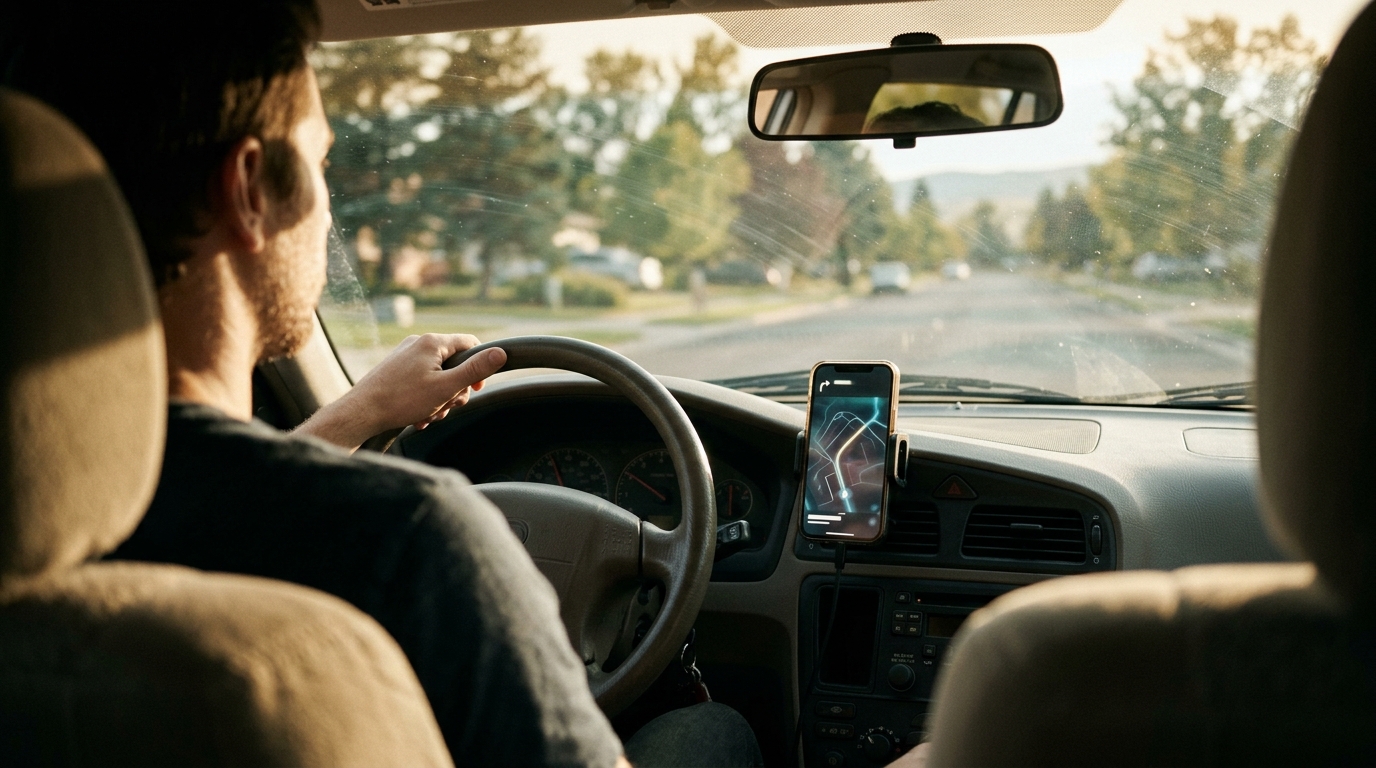
Automatic mileage tracking uses GPS technology to record business driving in real time, eliminating the need for manual logs. For freelancers driving to client meetings, this method ensures accurate documentation of the 2026 standard mileage rate of 72.5 cents per mile. SnapTax integrates this tracking with quarterly tax estimates, giving you a clear picture of your liability as you drive.
How GPS-Based Tracking Captures Business Trips
Modern mileage apps rely on Global Positioning System (GPS) data to distinguish between business and personal driving. The software monitors your location and speed, identifying when a trip begins and ends based on movement patterns. This automation removes the human error associated with manual odometer readings or paper logs.
When you drive to a client meeting, the app records the start time, destination, and total distance. It then categorizes the trip based on your input or learned patterns. This data creates an audit-ready log that satisfies IRS requirements for substantiating deductions. The system works in the background, so you do not need to stop and enter data after every errand.
Key Mechanism: The app uses geofencing and movement detection to start and stop tracking automatically. This ensures that only relevant business miles are counted toward your deduction.
IRS Documentation Requirements for Deductions
The Internal Revenue Service requires self-employed individuals to maintain records that show the amount, date, place, and business purpose of each trip. A simple total mileage figure is insufficient; the IRS expects a detailed log. Automatic tracking provides this level of detail by timestamping every segment of your drive.
For the 2026 tax year, the standard mileage rate is 72.5 cents per mile. To claim this deduction, you must prove that the miles were driven for business. If you are audited, a digital log with timestamps and locations serves as strong evidence. Manual logs are often rejected if they appear incomplete or inconsistent, whereas automated logs provide a continuous, verifiable trail.
Compliance Note: You must still indicate the business purpose for each trip. The app records the data, but you are responsible for confirming that the trip was for business use.
Tracking Trips to Client Meetings
Freelancers often drive to various locations for client meetings, site visits, or consultations. Each of these trips is a deductible business expense if properly documented. Automatic tracking simplifies this by capturing the distance from your home or office to the client's location and back.
Practical Example: A designer driving to three client sites in one day can log all three trips in one session. The app separates each leg of the journey, ensuring no miles are missed or double-counted.
Integrating Mileage with Tax Estimates
Tracking mileage in isolation is useful, but its true value emerges when connected to your overall tax picture. SnapTax features include a GPS-based mileage tracker that feeds directly into your quarterly tax estimates. This integration means that as you log miles, your projected tax liability updates in real time.
Unlike standalone mileage apps, SnapTax connects your driving data to your income and other deductions. This holistic view helps you understand how much to set aside for taxes each quarter. You can see the impact of your business travel on your net profit and tax bracket without switching between multiple tools. The software uses the latest IRS tables to ensure your estimates are accurate.
Workflow Benefit: By linking mileage to income, you avoid the common mistake of under-saving for taxes. The app calculates your self-employment tax and federal income tax based on your actual business activity, including driving.

Maintaining Audit-Ready Records
The IRS can audit your return up to three years after you file. Having a complete, digital mileage log is your first line of defense. Automatic tracking ensures that your records are consistent and detailed. You can export these logs at any time, providing a clear history of your business travel.
Some freelancers worry about data privacy or the reliability of GPS signals. Reputable apps use encrypted storage and robust GPS algorithms to handle these issues. The key is to review your logs periodically to ensure accuracy. If a trip was misclassified, you can correct it before the end of the tax year. This proactive approach minimizes the risk of disputes during an audit.
Best Practice: Review your mileage log monthly. Correct any errors immediately. This habit ensures that your annual summary is accurate and defensible.
Key Takeaways
- The 2026 standard mileage rate is 72.5 cents per mile for business use.
- Automatic GPS tracking eliminates manual logging errors and saves time.
- The IRS requires detailed records including date, distance, and business purpose.
- Integrating mileage with tax estimates helps you set aside the correct amount for quarterly payments.
- Digital logs are more defensible in an audit than manual paper records.
- Regular review of your mileage log ensures accuracy and compliance.
Frequently Asked Questions
What is the standard mileage rate for 2026?
The standard mileage rate for 2026 is 72.5 cents per mile. This rate applies to business miles driven by self-employed individuals and independent contractors. You can use this rate to calculate your deduction without tracking actual vehicle expenses.
Do I need to log every single trip?
Yes, you should log every business trip. The IRS expects a complete record of all business miles. Automatic tracking apps make this manageable by recording trips in the background. Missing trips can reduce your deduction and raise red flags during an audit.
Can I use automatic tracking if I have a personal car?
Yes, you can use automatic tracking for a personal vehicle used for business. You must separate business miles from personal miles. The app helps you do this by allowing you to start and stop tracking based on your business activities.
How does SnapTax handle mileage data?
SnapTax uses GPS-based tracking to record business mileage. It then integrates this data with your income and other deductions to calculate your quarterly tax estimates. This provides a real-time view of your tax liability.
What if I forget to start the app before a trip?
If you forget to start the app, you can manually add the trip later. You should record the date, distance, and business purpose. While automatic tracking is preferred, manual entries are acceptable if they are accurate and consistent.
Is mileage tracking required by the IRS?
The IRS does not require a specific app, but it does require records that show the amount, date, place, and business purpose of each trip. Automatic tracking is one way to meet this requirement. You can also use manual logs, but they must be detailed and consistent.
Start Tracking Your Business Miles Today
Accurate mileage tracking is essential for maximizing your tax deductions and staying compliant with IRS rules. By using automatic GPS tracking, you can save time and ensure your records are audit-ready. SnapTax makes this process simple by integrating mileage with your overall tax planning. Start your free trial today and take control of your freelance taxes.