

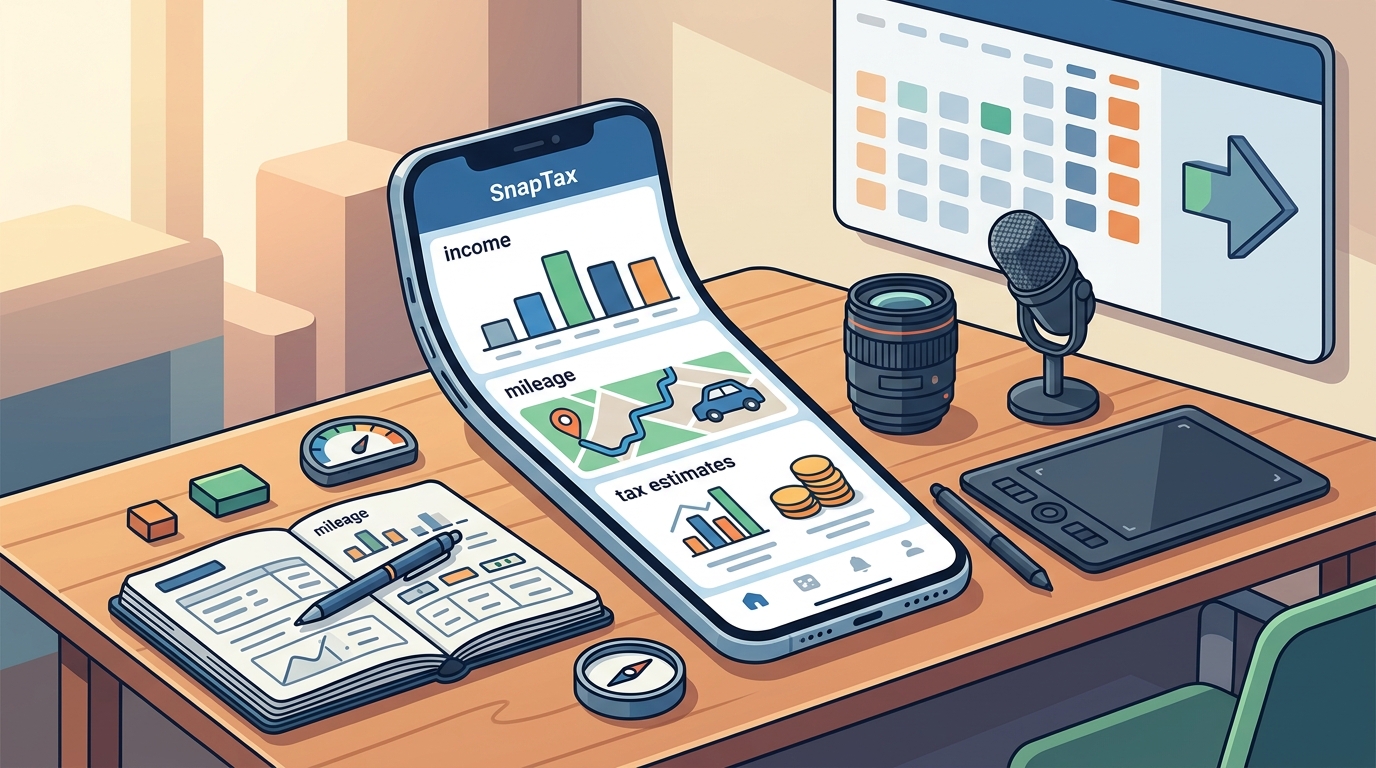
Yes, you can track income, mileage, and tax estimates in a single app. SnapTax is a tax planning software designed specifically for freelancers and 1099 workers to consolidate these three critical data points. This guide explains how unified tracking works, why it matters for your 2026 tax liability, and how to set up a reliable system for year-round tax readiness.
Competing Apps and the Fragmentation Problem
Many freelancers rely on a patchwork of tools to manage their finances. They might use a general ledger for income, a separate GPS app for driving, and a spreadsheet for tax guesses. This fragmentation creates data silos that make it difficult to see your true tax liability in real time. When your data is scattered, you cannot accurately project your annual tax owed or plan for quarterly payments.
The Cost of Disconnected Data
Using separate applications for income and mileage requires manual data entry or complex file imports. This process is time-consuming and prone to human error. If you forget to log a business trip in your mileage app, that deduction is lost. If you do not update your income tracker immediately after an invoice payment, your tax estimate becomes stale. A unified platform eliminates these gaps by connecting all data streams into a single view.
Why Specialized Software Matters
General accounting software is often built for small businesses with employees and payroll. It may not prioritize the specific needs of a solo 1099 worker, such as self-employment tax calculations or Schedule C categorization. SnapTax is built for independent contractors, gig workers, and consultants. It focuses on the specific workflows that matter to freelancers, such as tracking 1099-NEC and 1099-K income and calculating the self-employment tax rate.
How Tax Estimate Calculation Works
Tax estimate calculation is the process of projecting your federal and state tax liability based on your year-to-date income and deductions. For freelancers, this is not a one-time event in April. It is a continuous process that updates as your business changes. Accurate estimation requires applying current IRS tax brackets, self-employment tax rates, and standard deductions to your projected annual income.
The Role of Real-Time Projections
Static tax calculators often provide a snapshot based on last year's data. This is dangerous if your income fluctuates. A real-time tax estimate combines your actual year-to-date numbers with a projection for the rest of the year. This allows you to see your liability as it evolves. If you have a high-earning month, your tax estimate increases immediately. If you have a slow quarter, it adjusts downward. This dynamic feedback loop helps you avoid underpayment penalties.
Federal and State Liability
Many freelancers forget about state taxes when calculating their estimates. State tax rates vary significantly across the 50 states. A unified tax planning tool should account for both federal and state obligations. By tracking your income and deductions in one place, you can see your total liability across all jurisdictions. This ensures you are saving enough for both your federal return and your state filings.
Income Tracking for 1099 Workers
Income tracking is the foundation of any accurate tax estimate. For 1099 workers, income is often irregular and comes from multiple sources. You might receive payments from clients via check, bank transfer, or payment platforms like PayPal or Stripe. Each of these sources may issue a different type of 1099 form. Tracking this income accurately is essential for determining your net profit and tax liability.
Categorizing 1099 Income
Not all income is treated the same way for tax purposes. Some income may be subject to self-employment tax, while other types, like capital gains, are not. A robust income tracker allows you to categorize each payment correctly. This ensures that your tax engine applies the right rates to the right income. For example, if you sell a piece of equipment, that is a capital gain, not business income. Misclassifying this can lead to an inaccurate tax estimate.
Automating Data Entry
Manual data entry is the biggest barrier to consistent income tracking. Most freelancers do not have the time to log every transaction immediately. Automated bank statement uploads can solve this problem. By connecting your business bank account, you can import transactions automatically. The software then categorizes these transactions into Schedule C categories. This reduces the time you spend on bookkeeping and ensures your income data is always up to date.
Mileage Logging and the 2026 Standard Rate
Understanding the 2026 Standard Mileage Rate
GPS-Based Tracking vs. Manual Logs
Manual mileage logs are error-prone and easy to forget. GPS-based tracking apps provide a more reliable method. These apps use your phone's GPS to record your trips automatically. They can distinguish between business and personal miles based on your settings. This creates an IRS-compliant audit log that is difficult to dispute. If the IRS audits your return, a GPS-generated log is much stronger evidence than a handwritten notebook. It provides a timestamped record of your driving patterns.
Why Documentation Matters
The IRS can disallow your mileage deduction if you cannot prove that the miles were driven for business. This is why documentation is critical. A simple log that says "100 miles for business" is not enough. You need to show the specific trips, the destinations, and the business purpose. A dedicated mileage tracker ensures that you have this level of detail. It protects your deduction and gives you peace of mind during tax season.
Managing Quarterly Tax Estimates
Quarterly tax estimates are payments you make to the IRS four times a year to cover your tax liability. If you earn 1099 income, the IRS expects you to estimate and pay your own taxes. Missing a deadline can result in interest and penalties. Underpaying can lead to an underpayment penalty when you file your return in April. Managing these estimates requires a clear understanding of your projected annual tax liability.
The Four IRS Deadlines
The IRS sets four specific deadlines for quarterly estimated tax payments. These dates are fixed and do not change based on your business cycle. You must make payments by April 15, June 15, September 15, and January 15 of the following year. Keeping track of these dates is essential. A tax planning tool should remind you of these deadlines and calculate the amount you need to pay by each date. This prevents you from missing a payment and incurring penalties.
Calculating Your Payment Amount
Your quarterly payment amount is based on your projected annual tax liability. You divide your total projected tax by four to determine your quarterly payment. However, this is a simplification. The IRS uses a specific formula that takes into account your prior year's tax liability and your current year's income. A tax planning tool can handle this calculation for you. It uses your real-time income and deduction data to project your annual tax and then divides it into four equal payments. This ensures you are paying the right amount at the right time.
Key Takeaways
- Unified tracking of income, mileage, and tax estimates eliminates data silos and reduces the risk of errors.
- The 2026 standard mileage rate is 72.5 cents per mile, and proper documentation is required to claim this deduction.
- Real-time tax estimates provide a dynamic view of your liability, helping you avoid underpayment penalties.
- Automated income tracking saves time and ensures your data is always up to date.
- GPS-based mileage logging creates an IRS-compliant audit log that is stronger than manual records.
- Quarterly tax estimates must be paid by four specific deadlines to avoid interest and penalties.
- Specialized software for freelancers is better suited to 1099 workers than general accounting tools.
- Consistent tracking throughout the year is more effective than trying to reconstruct your finances in April.
Frequently Asked Questions
Can I use a single app for all my tax needs?
Yes, a unified tax planning app can handle income tracking, mileage logging, and tax estimation in one place. This reduces the need for multiple tools and manual data entry. It provides a single source of truth for your tax liability.
What is the standard mileage rate for 2026?
The standard mileage rate for 2026 is 72.5 cents per mile. This rate is used to calculate the deductible amount for business miles driven. You must keep a detailed log of your business trips to support this deduction.
Do I need to keep receipts for gas if I use the standard mileage rate?
No, you do not need to keep receipts for gas, oil, or maintenance if you use the standard mileage rate. The rate covers these costs. However, you must keep a log of every business trip, including the date, destination, purpose, and miles driven.
How often should I update my tax estimate?
You should update your tax estimate whenever your income or deductions change significantly. A real-time tax planning tool updates your estimate automatically as you log new transactions. This ensures your quarterly payments are always accurate.
What happens if I miss a quarterly tax deadline?
If you miss a quarterly tax deadline, you may owe interest and penalties. The IRS charges interest on unpaid taxes and may impose an underpayment penalty. To avoid this, you should make your payments on time and in the correct amount.
Is SnapTax a tax preparation service?
No, SnapTax is a tax planning and estimation tool. It is not a tax preparation service or a substitute for professional tax advice. It helps you track your data and estimate your liability, but you should consult a qualified tax professional for personalized guidance.
Conclusion
Tracking income, mileage, and tax estimates in a single app is not just convenient; it is essential for accurate tax planning. By consolidating your data, you can see your true tax liability in real time and avoid costly mistakes. SnapTax provides the tools you need to manage your finances as a freelancer. It combines income tracking, mileage logging, and tax estimation into one seamless platform. To start your year-round tax planning, visit SnapTax and set up your account today.