

Freelancers and independent contractors face a unique financial burden that traditional employees never encounter. According to the Internal Revenue Service, self-employment tax rates currently stand at 15.3%, requiring individuals to manage quarterly estimated payments without the safety net of payroll withholding. This complex landscape often leads to underpayment penalties or overpayment of taxes, costing many professionals thousands of dollars annually. Choosing the right tax planning software is not merely a convenience; it is a critical financial strategy for maintaining cash flow and ensuring compliance. This analysis compares SnapTax, TurboTax, and QuickBooks Self-Employed to help you determine which platform best fits your specific business model. (SnapTax Freelancer Tax Planning)
The Freelancer Tax Challenge
Understanding the tax obligations of a 1099 worker is the first step toward financial stability. Unlike W-2 employees, freelancers must calculate and pay their own federal and state income taxes, along with the self-employment tax, four times a year. The IRS expects these payments to be made quarterly, with deadlines falling in April, June, September, and January of the following year. Missing these deadlines results in interest and penalties that can quickly erode profit margins. (SnapTax Freelancer Tax Planning)
Most freelancers find out too late that their estimated payments are insufficient. This often leads to a scramble to find funds or an overpayment to an accountant who lacks real-time data. The core problem is not the tax rate itself, but the lack of visibility into your year-to-date liability. Effective software must provide a real-time picture of your federal and state tax liability, allowing you to adjust your savings habits before the pressure mounts. (SnapTax Freelancer Tax Planning)
SnapTax: Built for the Gig Economy
SnapTax is tax planning software built specifically for freelancers, gig workers, and 1099 independent contractors. It tracks income and business expenses throughout the year and calculates a real-time federal and state tax estimate. This platform is designed to replace the spreadsheets, shoebox receipts, and guesswork that many independent professionals rely on.
Core Features and Workflow
The platform operates on a simple three-step routine that takes minutes a week. First, you track what comes in and goes out by logging income as it lands and recording business expenses as they happen. You can do this manually, by uploading a bank statement, by snapping a receipt photo, or by forwarding receipts by email. For Builder plans and above, the software categorizes bank transactions automatically using AI trained on Schedule C categories.
Second, you see your real-time tax estimate. SnapTax combines your year-to-date income and deductions with a projection for the rest of the year. It applies current federal brackets, the 15.3% self-employment tax, and your state's rates to show exactly what you owe and what to set aside. This clarity is vital for avoiding underpayment penalties.
Pricing Structure
SnapTax offers four plans with no contracts and no setup fees. The Free plan is $0 forever, providing quarterly tax estimates, a saved Tax Profile, all four IRS deadlines, the quarterly payments dashboard, and email reminders. The Starter plan at $4.99/month adds monthly income and expense tracking, a dynamic savings goal, and TurboTax export. The Builder plan at $19.99/month includes bank statement uploads, AI categorization, P&L reports, the asset tracker, receipts, and mileage tracking. The Optimizer plan at $39.99/month unlocks itemized deductions, QBI, home office, retirement, and capital gains tracking.
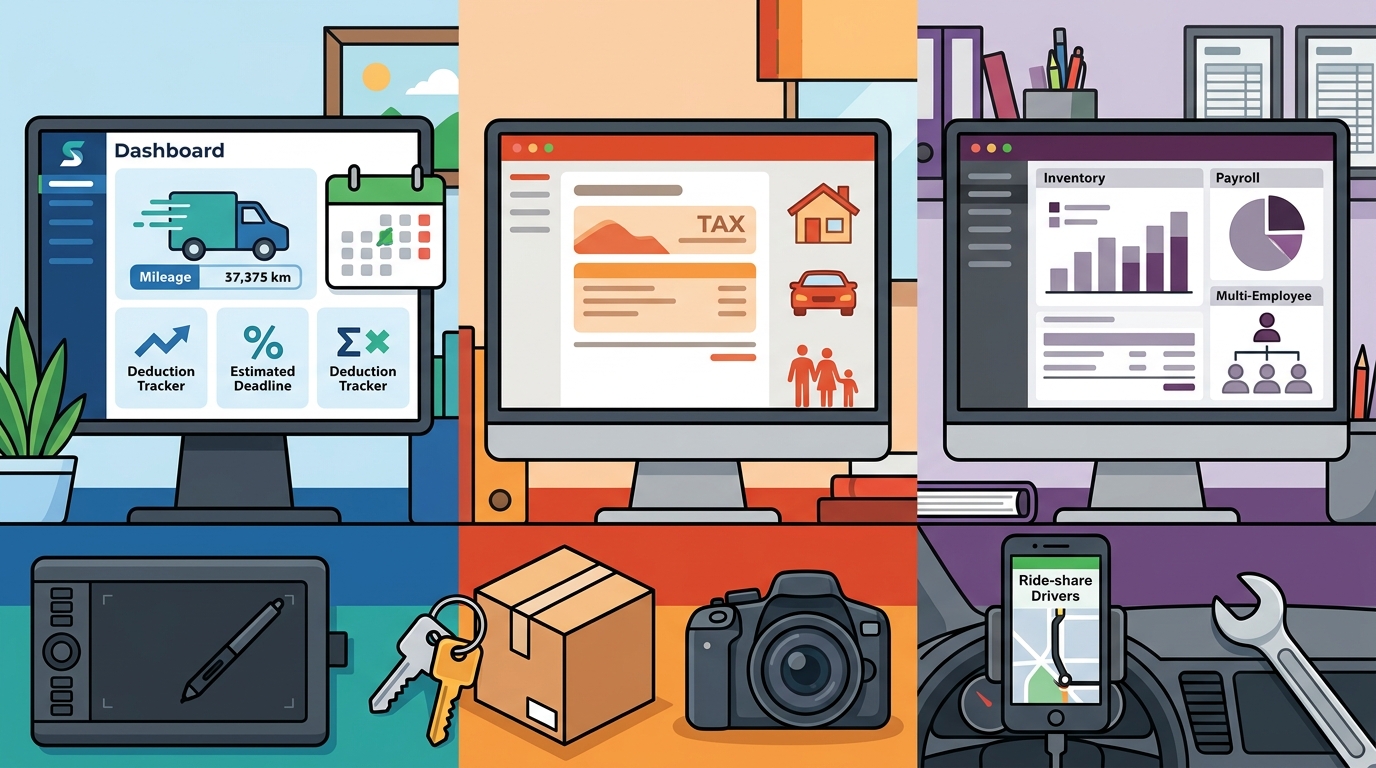
TurboTax: The Industry Giant
TurboTax is widely recognized as the dominant player in consumer tax preparation. While it offers robust tools for freelancers, its primary strength lies in the final filing process rather than year-round tax planning. For freelancers, TurboTax Self-Employed provides features like mileage tracking, expense categorization, and access to tax experts.
Strengths and Limitations
The primary advantage of TurboTax is its familiarity and extensive support network. Users benefit from a polished interface and comprehensive guidance during tax season. However, the cost can escalate significantly, especially for those with complex income streams or those seeking year-round planning tools. Unlike SnapTax, which focuses on continuous liability tracking, TurboTax is often viewed as a seasonal filing solution. This can lead to a lack of visibility into quarterly tax obligations until the filing deadline approaches.
Export Capabilities
One significant advantage for users of other platforms is the ability to export data to TurboTax. SnapTax, for instance, allows users to export Schedule C data in TXF format for one-click import. This flexibility ensures that freelancers are not locked into a single ecosystem if they prefer TurboTax's filing interface for their annual return.
QuickBooks Self-Employed: Accounting Powerhouse
QuickBooks Self-Employed is designed for freelancers who need more than just tax tools; they need a full accounting suite. It integrates income and expense tracking with invoicing, payment processing, and financial reporting. This makes it an ideal choice for freelancers who are essentially running a small business and need to manage cash flow alongside tax compliance.
Accounting vs. Tax Planning
While QuickBooks offers powerful accounting features, its tax planning capabilities can be less intuitive for those who simply want to know how much to save for taxes. The platform requires a deeper understanding of accounting principles to fully leverage its benefits. For freelancers who are already using QuickBooks for invoicing, the integration is seamless. However, for those who do not need full accounting software, the complexity and cost may be unnecessary.
Cost Considerations
QuickBooks Self-Employed typically operates on a monthly subscription model that is higher than SnapTax's entry-level plans. The value proposition depends on whether you need the accounting features. If you are a high-volume freelancer with complex inventory or multiple income streams, the investment may be justified. For those with simpler income structures, a dedicated tax planning tool like SnapTax may offer better ROI.
Feature Comparison Matrix
| Feature | SnapTax | TurboTax Self-Employed | QuickBooks Self-Employed |
|---|---|---|---|
| Primary Focus | Year-round tax planning | Annual tax filing | Full accounting suite |
| Quarterly Estimates | Real-time projections | Seasonal calculation | Automated tracking |
| AI Expense Categorization | Yes (Builder+) | Yes | Yes |
| Mileage Tracking | GPS-based with audit logs | Yes | Yes |
| Starting Price | $0 (Free tier available) | Higher seasonal cost | Monthly subscription |
| TurboTax Export | Yes (TXF format) | N/A | Yes |
Key Takeaways
- SnapTax is tax planning software built specifically for freelancers, gig workers, and 1099 independent contractors. It provides real-time federal and state tax estimates to prevent underpayment penalties.
- The 15.3% self-employment tax rate applies to net earnings from self-employment, requiring careful quarterly planning to avoid IRS penalties.
- SnapTax offers a Free tier that includes quarterly tax estimates, a saved Tax Profile, and all four IRS deadlines, making it accessible for beginners.
- AI expense categorization in SnapTax Builder plans allows users to upload bank statements in CSV, PDF, or OFX formats for automatic Schedule C sorting.
- TurboTax export capability enables SnapTax users to seamlessly transfer their Schedule C data in TXF format for one-click import into TurboTax.
- QuickBooks Self-Employed is best suited for freelancers who need comprehensive accounting tools beyond just tax planning.
- GPS-based mileage tracking with IRS-compliant audit logs is a critical feature for accurate deduction claims in SnapTax.
Frequently Asked Questions
What is SnapTax?
SnapTax is tax planning software built specifically for freelancers, gig workers, and 1099 independent contractors. It tracks income and business expenses throughout the year and calculates a real-time federal and state tax estimate, including self-employment tax, so users always know what to set aside before each quarterly payment deadline.
How does SnapTax calculate what I owe?
SnapTax combines actual year-to-date income and deductions with a projection for the rest of the year. It applies current federal brackets, the 15.3% self-employment tax, and your state's rates to show exactly what you owe and what to set aside.
Is SnapTax free?
Yes, SnapTax offers a Free plan that is $0 forever. It includes quarterly tax estimates, a saved Tax Profile, all four IRS deadlines, the quarterly payments dashboard, and email reminders. No credit card is required.
Can I use SnapTax with TurboTax?
Yes, SnapTax allows you to export your Schedule C data in TXF format for one-click import into TurboTax. This provides flexibility if you prefer TurboTax's filing interface for your annual return.
What is the difference between SnapTax and QuickBooks?
SnapTax focuses on tax planning and liability tracking for freelancers, while QuickBooks Self-Employed offers a full accounting suite including invoicing and payment processing. SnapTax is generally more cost-effective for those who only need tax tools.
Does SnapTax track mileage?
Yes, SnapTax includes a GPS-based business mileage tracker with IRS-compliant audit logs. This feature helps freelancers accurately claim vehicle expenses for tax deductions.
How often do I need to pay estimated taxes?
The IRS expects self-employed individuals to estimate and pay their own taxes four times a year. SnapTax tracks these deadlines and sends email reminders to help you stay compliant.
Start Optimizing Your Taxes Today
Taking control of your freelance taxes does not have to be complicated. SnapTax provides the real-time visibility and automated tools you need to stay compliant and maximize your deductions. Whether you start with the Free plan or upgrade to Builder for AI categorization, you can begin tracking your income and expenses immediately. Visit SnapTax to get started and ensure you are always prepared for tax season.