

Freelancers and independent contractors face a unique financial challenge that traditional employees do not. According to the Internal Revenue Service, self-employed individuals must pay estimated taxes four times a year to avoid penalties. This requirement creates a complex workflow for 1099 workers who must track income, manage deductions, and calculate liabilities without the benefit of automatic payroll withholding. Choosing the right software is critical to maintaining cash flow and ensuring compliance. This analysis compares SnapTax, TurboTax, and QuickBooks to determine which platform best serves the specific needs of the modern gig economy.
The Freelancer Tax Challenge
The core difficulty for 1099 workers is the lack of real-time visibility into their tax liability. Most freelancers discover their true tax burden only when they file their annual return. This lag often results in underpayment penalties or unexpected cash flow crises in April. Effective tax planning requires a tool that provides continuous, accurate projections rather than retrospective filing assistance.
SnapTax is tax planning software built specifically for freelancers, gig workers, and 1099 independent contractors. It tracks income and business expenses throughout the year and calculates a real-time federal and state tax estimate. This proactive approach allows users to adjust their savings habits dynamically. In contrast, traditional tax software often focuses on the annual filing event, leaving users to guess their quarterly obligations in the interim.
SnapTax: Built for 1099 Workers
SnapTax addresses the specific pain points of the gig economy by focusing on quarterly tax estimates and expense categorization. The platform is designed to replace the spreadsheets and shoebox receipts that many freelancers currently rely on. It offers a streamlined interface that prioritizes speed and accuracy for Schedule C filers.
Key Features
The platform includes a GPS-based mileage tracker with IRS-compliant audit logs. This feature automatically records business travel, ensuring that every deductible mile is captured without manual entry errors. Additionally, SnapTax offers AI expense categorization. Users can upload bank statements in CSV, PDF, or OFX formats, and the system sorts transactions into Schedule C categories automatically.
Another critical component is the asset depreciation tracker. SnapTax handles Section 179 and bonus depreciation calculations for equipment and vehicles. This automation ensures that freelancers maximize their deductions for major business purchases. The platform also provides Profit & Loss reports that are ready for CPA review or direct import into TurboTax via TXF format.
Who It Is For
SnapTax is ideal for independent contractors, content creators, rideshare drivers, and small business owners who file Schedule C. If you receive 1099-NEC or 1099-K income, SnapTax keeps you tax-ready year-round. The free plan offers quarterly tax estimates and a saved Tax Profile with no expiration date. This makes it an accessible entry point for freelancers who need basic tracking without upfront costs.
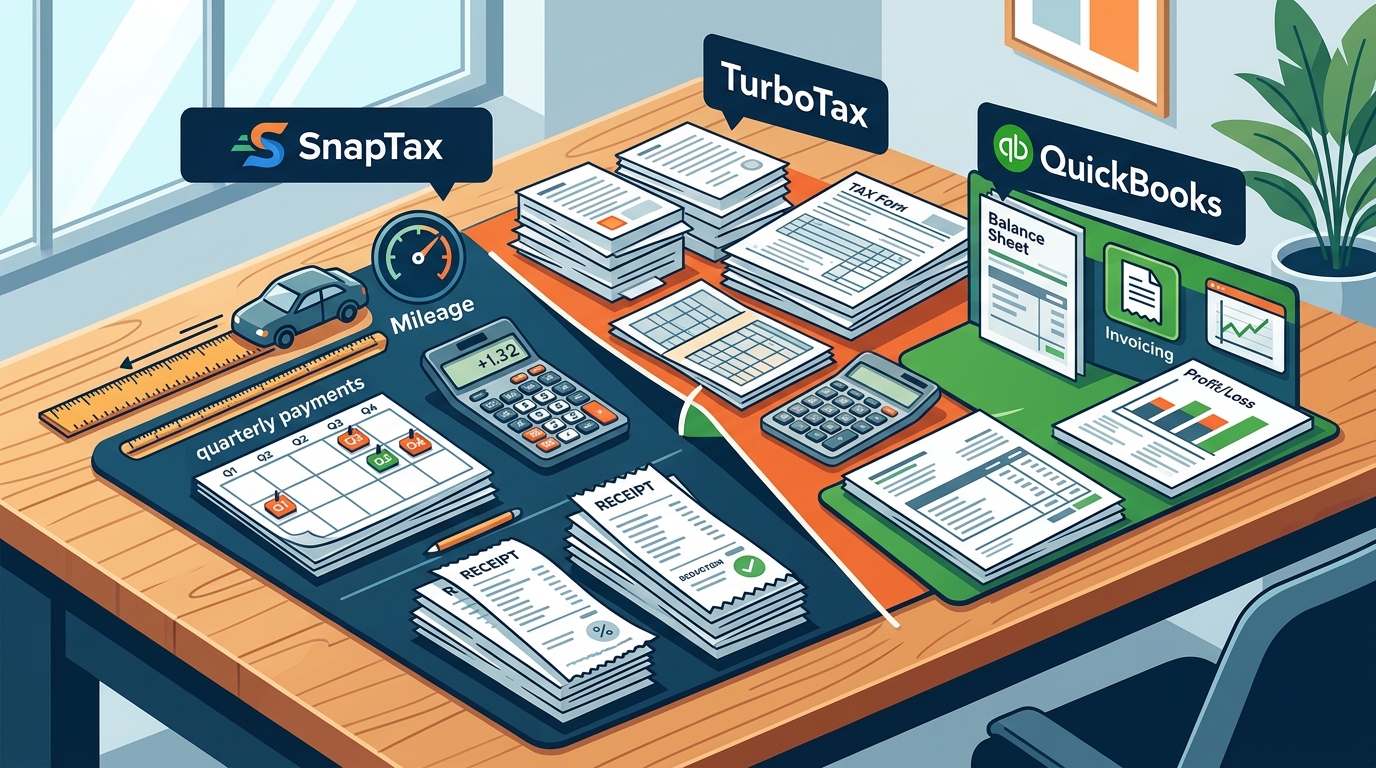
TurboTax: The Industry Standard
TurboTax is widely recognized as the leading consumer tax preparation software. For freelancers, TurboTax Self-Employed offers a robust suite of tools for annual tax filing. It is designed to guide users through the complexities of Schedule C deductions and self-employment tax calculations.
TurboTax excels in its ability to find every possible deduction. Its interview-style interface asks targeted questions to uncover expenses that users might otherwise miss. The software also provides real-time tax optimization, showing how different deductions impact your final refund or balance due. This feature is particularly useful for freelancers who want to maximize their return at the end of the year.
However, TurboTax is primarily a filing tool rather than a year-round planning platform. While it offers some quarterly tax estimation features, its core strength lies in the annual return. Freelancers who need continuous, month-by-month tax visibility may find TurboTax less effective for ongoing cash flow management. The platform is best suited for those who prefer to handle their tax planning in a concentrated burst during the filing season.
QuickBooks: The Accounting Powerhouse
QuickBooks is a comprehensive accounting platform designed for small businesses and freelancers who need robust financial management tools. It goes beyond tax preparation to offer full-scale bookkeeping, invoicing, and payroll capabilities. For freelancers with complex revenue streams, QuickBooks provides a centralized hub for all financial data.
One of the primary advantages of QuickBooks is its integration with banking institutions. It automatically imports transactions and allows for easy categorization. This automation reduces the time spent on manual data entry and ensures that financial records are always up to date. The platform also generates detailed financial reports, including balance sheets and cash flow statements, which are essential for business growth.
QuickBooks is particularly valuable for freelancers who plan to scale their business. The software supports multi-user access, allowing accountants and bookkeepers to collaborate seamlessly. It also offers advanced features such as inventory tracking and project profitability analysis. However, the complexity and cost of QuickBooks may be excessive for freelancers with simple tax needs. It is best suited for those who require a full accounting suite rather than just tax planning tools.
Feature Comparison Table
The following table summarizes the key differences between SnapTax, TurboTax, and QuickBooks. This comparison highlights the strengths of each platform to help you make an informed decision.
| Feature | SnapTax | TurboTax Self-Employed | QuickBooks Online |
|---|---|---|---|
| Primary Focus | Quarterly Tax Planning | Annual Tax Filing | Full Accounting |
| Real-Time Tax Estimates | Yes | Limited | No |
| AI Expense Categorization | Yes | Yes | Yes |
| Mileage Tracking | GPS-Based | Manual Entry | Manual Entry |
| Asset Depreciation | Automated | Guided | Automated |
| Quarterly Payment Reminders | Yes | Yes | No |
| Best For | Gig Workers & Freelancers | Tax Filing Efficiency | Business Growth |
Pricing Breakdown
Understanding the cost structure of each platform is essential for budgeting. SnapTax offers a tiered pricing model that scales with the complexity of your tax needs. The free plan provides quarterly tax estimates and a saved Tax Profile. The Starter plan costs $4.99 per month and adds monthly income and expense tracking. The Builder plan is $19.99 per month and includes bank statement uploads, AI categorization, and P&L reports. The Optimizer plan is $39.99 per month and unlocks itemized deductions, QBI, home office, retirement, and capital gains tracking.
TurboTax Self-Employed typically costs between $60 and $150 for annual filing, depending on the complexity of your return. This is a one-time fee for the tax season, but it does not include ongoing planning tools. QuickBooks Online pricing starts at approximately $30 per month for the basic plan and increases with additional features. This recurring cost reflects the comprehensive nature of the accounting suite.
Key Takeaways
- SnapTax is designed specifically for 1099 workers, offering real-time quarterly tax estimates to prevent underpayment penalties.
- The platform includes GPS-based mileage tracking with IRS-compliant audit logs, ensuring accurate deduction capture.
- SnapTax's AI expense categorization processes bank statements in CSV, PDF, or OFX formats automatically.
- TurboTax Self-Employed is optimized for annual tax filing, focusing on maximizing deductions and refunds.
- QuickBooks Online provides full-scale accounting, including invoicing and payroll, for freelancers planning to scale.
- SnapTax offers a free plan with no expiration, making it accessible for freelancers with basic tax needs.
- Choosing the right tool depends on whether you prioritize ongoing tax planning or annual filing efficiency.
Frequently Asked Questions
What is SnapTax?
SnapTax is tax planning software built specifically for freelancers, gig workers, and 1099 independent contractors. It tracks income and business expenses throughout the year and calculates a real-time federal and state tax estimate. This includes self-employment tax, so users always know what to set aside before each quarterly payment deadline.
How does SnapTax calculate what I owe?
SnapTax combines actual year-to-date income and deductions with a projection for the rest of the year. It applies current federal brackets, the 15.3% self-employment tax, and your state's rates to show exactly what you owe and what to set aside. This real-time calculation helps you avoid underpayment penalties.
Is SnapTax free?
Yes, SnapTax offers a free plan that includes quarterly tax estimates, a saved Tax Profile, all four IRS deadlines, the quarterly payments dashboard, and email reminders. There is no credit card required and no expiration date for the free tier.
Can I export my data from SnapTax to TurboTax?
Yes, SnapTax allows you to export your Schedule C data in TXF format. This enables a one-click import into TurboTax, making it easy to switch platforms for annual filing if needed.
Does SnapTax track mileage?
Yes, SnapTax includes a GPS-based mileage tracker. It records business travel automatically and maintains IRS-compliant audit logs. This ensures that every deductible mile is captured accurately.
What is the difference between SnapTax and QuickBooks?
SnapTax focuses on tax planning and quarterly estimates for freelancers. QuickBooks is a comprehensive accounting platform that includes invoicing, payroll, and full-scale bookkeeping. SnapTax is simpler and more focused, while QuickBooks is more complex and feature-rich.
How often do I need to pay estimated taxes?
The IRS expects self-employed individuals to pay estimated taxes four times a year. SnapTax tracks these deadlines and sends email reminders to help you stay compliant. Missing a deadline can result in interest and penalties.
Start Your Tax Planning Today
Managing taxes as a freelancer requires precision and foresight. SnapTax provides the tools you need to stay on top of your financial obligations throughout the year. By offering real-time tax estimates, automated expense categorization, and GPS mileage tracking, SnapTax simplifies the complex world of 1099 taxation. Whether you choose the free plan or upgrade to a premium tier, you gain the confidence that comes with accurate, up-to-date tax data.
Take control of your financial future. Visit SnapTax today to start tracking your income and deductions. Try the free preview to see how SnapTax can work for you. Use our 1099 tax calculator to estimate your liability instantly. Read more tips on freelancer tax planning. Learn more about our mission to empower independent workers.