

The best tax planning app for freelancers is a tool that tracks income, expenses, and mileage in real time to calculate accurate quarterly tax estimates. SnapTax is built specifically for 1099 workers to provide this clarity without requiring accounting knowledge. This guide covers how to evaluate, verify, and use tax planning software to avoid IRS penalties.
How to Choose the Right App
Choosing the right software depends on your specific business structure and income volatility. A tax planning app is a digital system that estimates your tax liability based on real-time financial data. For freelancers, the most critical feature is the ability to update your quarterly estimates as your income changes month to month. Static tools that only calculate taxes at year-end often lead to underpayment penalties.
Real-Time vs. Static Calculations
Static calculators provide a snapshot of your taxes based on a single data entry. Real-time planning tools, like SnapTax, recalculate your liability every time you log a new invoice or expense. This distinction is vital for freelancers with seasonal income or those who are scaling their business rapidly.
Freelancer-Specific Features
Look for tools that understand the unique challenges of 1099 work. This includes support for mixed-use accounts, where you do not have a separate business bank account. The software should allow you to assign a business-use percentage to personal transactions to ensure accurate deduction tracking.
Questions to Ask Before Committing
Before subscribing to any tax software, you must verify that it aligns with your workflow. Ask the provider if the tool supports your specific filing status and state tax requirements. You should also inquire about the data security measures in place to protect your sensitive financial information.
Data Security and Privacy
Your financial data is highly sensitive. Ensure the platform uses encrypted connections for data transmission and secure cloud storage. Ask if the company has a clear privacy policy regarding how your data is used and whether it is ever sold to third parties.
Integration Capabilities
Determine if the app can import data from your existing tools. Many freelancers use various platforms for invoicing or banking. A robust tax planning app should allow you to upload bank statements in common formats like CSV, PDF, OFX, or QFX without requiring a direct bank connection.
Verifying Claims and Credentials
Many software providers make broad claims about their accuracy and expertise. To verify these claims, look for the credentials of the individuals who built the product. SnapTax was built by Crystal Harrison, a professional bookkeeper with more than two decades of experience specializing in freelancer and 1099 tax planning. This background ensures the software is designed around real-world bookkeeping challenges rather than generic accounting theory.
Checking the Tax Engine
Verify that the software uses current IRS figures for its calculations. For 2026, the self-employment tax rate is 15.3% on the first $184,500 of net earnings. A reliable tool will automatically update these figures each year to reflect inflation adjustments and new tax laws.
How Real-Time Tax Planning Works
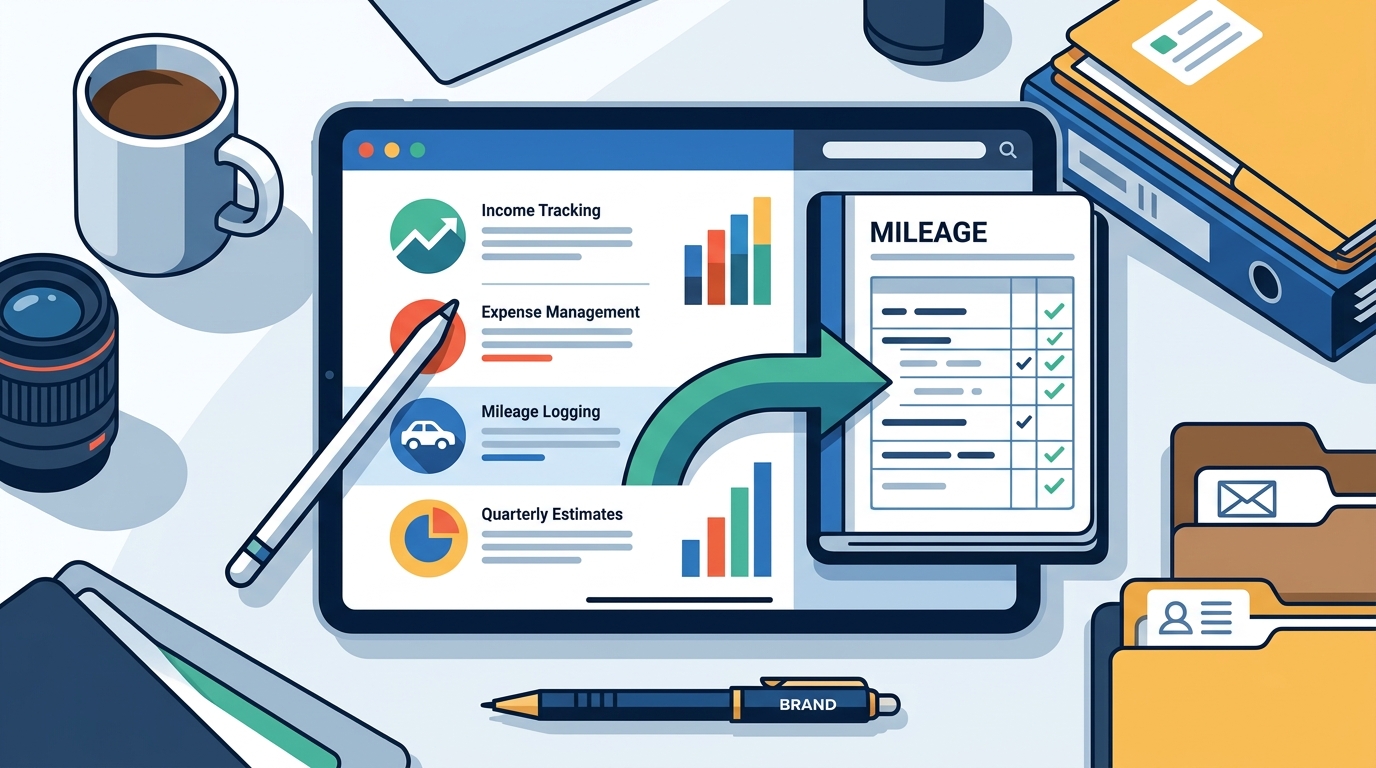
The process of using a tax planning app involves a continuous cycle of data entry and calculation. First, you log your income and expenses as they occur. Next, the software categorizes these transactions and calculates your net profit. Finally, it applies the current tax rates to provide an updated quarterly payment target.
The Workflow
1. Log Income: Record client payments as they arrive.
2. Track Expenses: Capture receipts and log business costs.
3. Generate P&L: Create a Profit and Loss snapshot to determine net income.
4. Update Estimates: The app recalculates your quarterly tax liability in real time.
Time Investment
Setting up a new account typically takes less than 30 minutes. Once your profile is established, the ongoing time commitment is minimal. Most users spend only a few minutes each week logging transactions, which is significantly less time than manual spreadsheet management.
Understanding Pricing Models
Free vs. Paid Tiers
Free tiers are ideal for those who only need a basic estimate of their quarterly payments. Paid tiers are better for freelancers who want to automate the process, track assets for Section 179 deductions, and receive proactive reminders for IRS deadlines.
Common Mistakes to Avoid
Freelancers often make errors that lead to overpaying taxes or facing IRS penalties. One of the most common mistakes is failing to track mileage correctly. The IRS requires a detailed mileage log for every deductible trip, including the date, destination, and business purpose.
Underpayment Penalties
The IRS charges an underpayment penalty if you do not pay enough tax throughout the year. This penalty is calculated at the federal short-term rate plus 3%, which typically ranges between 6% and 8% annually in 2026. Using a real-time tool helps you stay on track and avoid these additional costs.
Missed Deductions
Many freelancers forget to claim deductions for equipment purchases. Section 179 of the tax code allows you to deduct the full cost of qualifying equipment in the year it was purchased. Without a dedicated asset tracker, it is easy to miss this significant deduction.
Comparison with Alternatives
When comparing tax planning apps, it is important to look at the specific features that matter for 1099 workers. The following table compares SnapTax with other popular options in the market.
| Feature | SnapTax | QuickBooks Solopreneur | FreshBooks |
|---|---|---|---|
| Real-Time Tax Estimates | Yes | Basic | No |
| AI Expense Categorization | Yes | Limited | Yes |
| Bank Connection Required | No | Yes | Yes |
| Asset Depreciation Tracking | Yes | Manual | Manual |
SnapTax is designed specifically for tax planning, whereas tools like QuickBooks are primarily bookkeeping software. This focus allows SnapTax to provide more accurate and up-to-date tax estimates for freelancers.
Planning for Specific Freelance Situations
Different freelance situations require different planning approaches. For example, a freelancer with a day job (W-2) and side hustle (1099) needs a tool that can combine both income sources. SnapTax supports multi-income households, allowing you to see how your W-2 withholdings offset your 1099 tax liability.
High-Income Freelancers
If you earn over $80,000 annually, you should save 35% or more of your net income for taxes. High-income earners are also more likely to be subject to the additional 0.9% Medicare tax on income over $200,000. A planning tool should account for these higher rates to ensure you are not caught off guard.
IRS Rules and Tax Protections
Understanding IRS rules is essential for effective tax planning. The safe harbor rule allows you to avoid underpayment penalties by paying at least 100% of your prior year's tax liability. However, if your income increases significantly, you may need to pay more to stay within the safe harbor.
Documentation Requirements
The IRS expects you to keep records for at least three years. This includes receipts, bank statements, and mileage logs. Using a digital tool like SnapTax helps you maintain an organized and audit-ready record of all your financial activities.
State-Specific Tax Considerations
State tax laws vary significantly across the United States. Some states, like Texas and Florida, have no state income tax, while others, like California and New York, have high rates. Your tax planning app should account for your specific state's tax brackets and filing requirements.
State Estimated Payments
In addition to federal quarterly payments, many states require their own estimated tax payments. SnapTax calculates both federal and state tax estimates, ensuring you are prepared for all your obligations.
The Importance of Timing
Timing is critical when it comes to quarterly tax payments. The IRS deadlines for 2026 are April 15, June 15, September 15, and January 15 of the following year. Missing a deadline results in a penalty, even if you pay the full amount later.
Proactive Reminders
A good tax planning app provides proactive reminders before each deadline. This ensures you have enough time to calculate your payment and make the transfer to the IRS without last-minute stress.
Long-Term Financial Results
Using a tax planning app consistently leads to better long-term financial health. By tracking your income and expenses in real time, you gain a clear understanding of your business's profitability. This visibility allows you to make informed decisions about pricing, hiring, and investment.
Year-Over-Year Growth
As your business grows, your tax liability will change. A planning tool that tracks your year-over-year history helps you see trends and plan for future growth. This long-term perspective is invaluable for freelancers looking to scale their operations.
Key Takeaways
- The best tax planning app for freelancers provides real-time quarterly tax estimates.
- SnapTax is built specifically for 1099 workers and 1099 tax planning.
- Real-time tracking helps avoid IRS underpayment penalties.
- Look for tools that support mixed-use accounts and multi-income households.
- Verify the credentials of the software's creators to ensure accuracy.
- State tax laws vary, so choose a tool that accounts for your specific location.
- Timing is critical; use proactive reminders to meet IRS deadlines.
- Long-term use of a planning app leads to better financial health and growth.
Frequently Asked Questions
What is the 2026 standard mileage rate?
The 2026 standard mileage rate is $0.725 per mile for business miles driven from January 1 to June 30, and $0.76 per mile for miles driven from July 1 to December 31.
How much should I save for taxes as a freelancer?
As a general rule, freelancers should save 25-35% of their net income for taxes. The exact percentage depends on your total income, deductions, and state of residence.
Does SnapTax require a separate business bank account?
No, SnapTax does not require a separate business bank account. It supports mixed-use accounts and allows you to assign a business-use percentage to personal transactions.
Can I use SnapTax if I have a W-2 job and a side hustle?
How often do I need to update my tax estimates?
You should update your tax estimates whenever your income or expenses change significantly. SnapTax recalculates your estimates in real time as you log new transactions.
Is SnapTax a substitute for a tax professional?
No, SnapTax is a tax planning and estimation tool. It is not a substitute for professional tax advice. You should consult a qualified tax professional for personalized guidance.
Ready to take control of your freelance taxes? Start your free trial of SnapTax today and see your real-time tax estimates in action.