

Freelancers and independent contractors face a unique financial challenge that traditional W-2 employees rarely encounter. The IRS requires self-employed individuals to pay estimated taxes four times a year. If you earn 1099 income, you are responsible for estimating and paying your own taxes quarterly. Missing a deadline or underpaying can result in significant interest and penalties. SnapTax helps freelancers and 1099 workers track income, deductions, mileage, and quarterly taxes in one place. This guide explains how to navigate these obligations confidently.
Why Quarterly Taxes Exist for Freelancers
The United States tax system operates on a pay-as-you-go basis. This means taxes are collected as income is earned rather than in a lump sum at the end of the year. For freelancers, this translates to four estimated payment periods. The IRS expects you to estimate and pay your own taxes four times a year. This system ensures that the government receives revenue continuously throughout the fiscal year.
Most freelancers find out too late that they have underpaid. They end up overpaying an accountant to fix the mess or under-saving for taxes. SnapTax gives you a real-time picture of your federal and state tax liability all year long. By entering your income and deductions, you can calculate your estimated quarterly payment, due date, and projected annual tax owed using the latest IRS tax brackets. This proactive approach prevents the stress of April filing season.
Calculating Your Federal and State Liability
Calculating what you owe involves more than just your income tax. You must also account for self-employment tax. SnapTax combines your year-to-date income and deductions with a projection for the rest of the year. It then applies current federal brackets, the 15.3% self-employment tax, and your state's rates to show exactly what you owe and what to set aside.
Quarterly tax estimates are real-time federal and state tax projections based on current IRS tables. This means the numbers you see in SnapTax are always up to date with the latest regulatory changes. You do not need to manually look up tax codes or worry about outdated rates. The software handles the complexity of Section 179 and bonus depreciation automatically for equipment and vehicles. This ensures you are not overpaying your taxes unnecessarily.
Tracking Income and Deductions Efficiently
Accurate quarterly payments depend entirely on accurate data. If your income and expense tracking is sloppy, your tax estimates will be wrong. SnapTax replaces the spreadsheets, shoebox receipts, and guesswork most freelancers rely on with a simple three-step routine that takes minutes a week.
Log Income and Expenses
You can log income as it lands and record business expenses as they happen. This can be done manually, by uploading a bank statement, by snapping a receipt photo, or by forwarding receipts by email. Builder plans and above categorize bank transactions automatically using AI trained on Schedule C categories. This AI expense categorization feature saves hours of manual data entry every month.
Mileage and Receipt Management
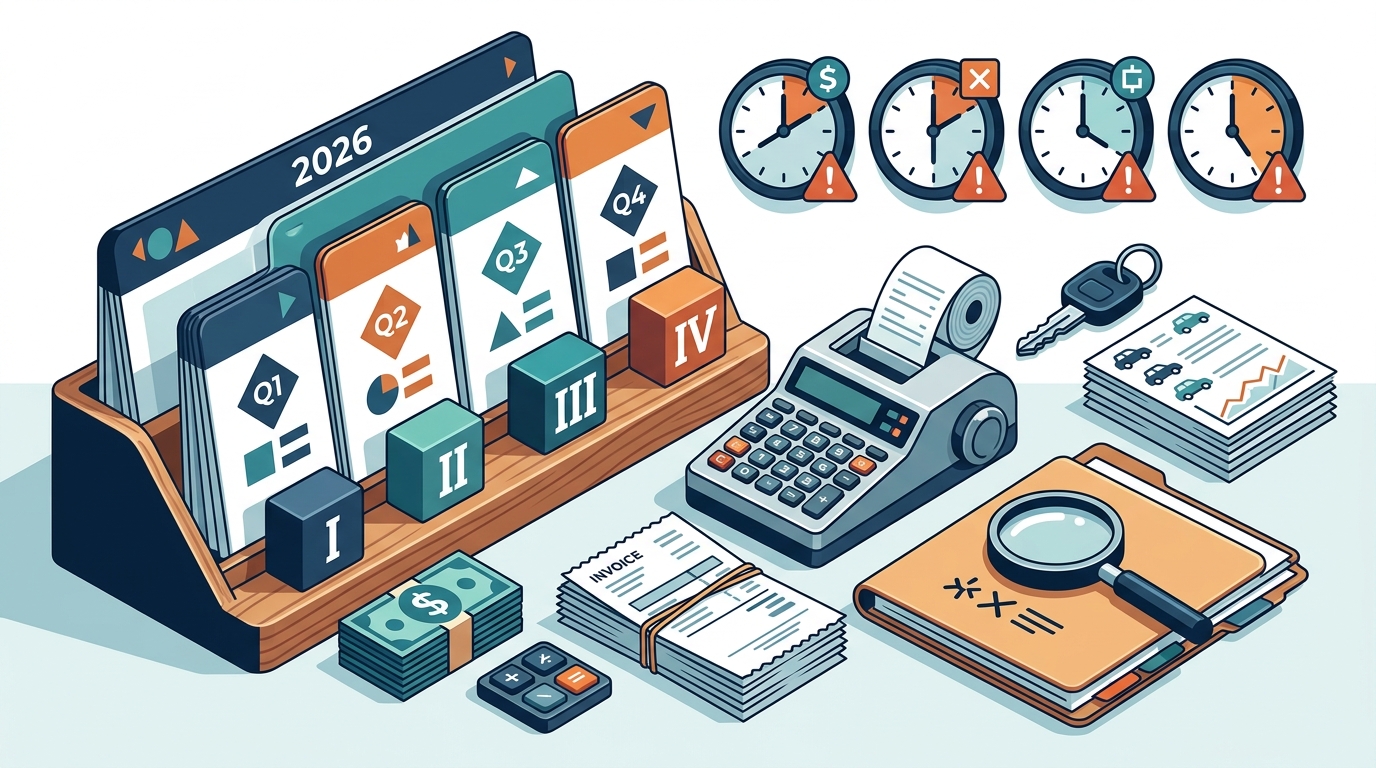
Mileage is one of the most powerful deductions for freelancers. SnapTax offers GPS-based business mileage tracking with IRS-compliant audit logs. You can also snap, email, or upload receipts. The OCR extracts vendor, amount, and date automatically. This receipt management system ensures that every deductible expense is captured and categorized correctly for your Schedule C.
Understanding Quarterly Deadlines
There are four specific deadlines for estimated tax payments. Missing these dates triggers penalties. SnapTax keeps a full payment history so April holds no surprises. Before every IRS estimated-payment deadline, SnapTax shows the amount due, tracks what you've already paid, and sends email reminders.
The standard quarterly deadlines are typically April 15, June 15, September 15, and January 15 of the following year. However, these dates can shift if they fall on a weekend or holiday. SnapTax includes all four IRS deadlines in your Tax Profile. You will never miss a payment window because the software alerts you well in advance. This proactive notification system is critical for maintaining compliance and avoiding underpayment penalties.
Choosing the Right SnapTax Plan
SnapTax offers four plans with no contracts and no setup fees. Each plan is designed to meet different levels of complexity in your freelance business. Understanding the differences helps you choose the right tool for your needs.
| Plan Name | Price | Key Features | Best For |
|---|---|---|---|
| Free | $0 | Quarterly estimates, Tax Profile, IRS deadlines, email reminders | Simple income, no deductions |
| Starter | $4.99/mo | Monthly tracking, savings goal, TurboTax export | Freelancers with basic expenses |
| Builder | $19.99/mo | Bank uploads, AI categorization, P&L, mileage, receipts | Gig workers with complex income |
| Optimizer | $39.99/mo | Itemized deductions, QBI, home office, retirement, capital gains | High earners and business owners |
The Free plan is $0 forever with no credit card required. It includes quarterly tax estimates, a saved Tax Profile, all four IRS deadlines, the quarterly payments dashboard, and email reminders. The Starter plan at $4.99/month adds monthly income and expense tracking, a dynamic savings goal, and TurboTax export. The Builder plan at $19.99/month adds bank statement uploads, AI categorization, P&L reports, the asset tracker, receipts, and mileage tracking. The Optimizer plan at $39.99/month (beta) unlocks itemized deductions, QBI, home office, retirement, and capital gains tracking. Paid plans start with a 30-day free trial.
Avoiding IRS Penalties and Interest
Underpaying your estimated taxes is a common mistake among freelancers. If you underpay, you could face an underpayment penalty when you file in April. Most freelancers find out too late and end up overpaying an accountant or under-saving for taxes. SnapTax helps you avoid this by providing accurate, real-time projections.
By using SnapTax, you ensure that your quarterly payments align with your actual tax liability. This prevents the accumulation of interest and penalties. The software calculates your estimated quarterly payment, due date, and projected annual tax owed using the latest IRS tax brackets, self-employment tax rates, and standard deductions for all 50 states. This precision is your best defense against IRS audits and penalties.
Key Takeaways
- Quarterly payments are mandatory: The IRS expects you to estimate and pay your own taxes four times a year if you earn 1099 income.
- Penalties are costly: Missing a deadline or underpaying results in interest and penalties that can add up quickly.
- Real-time tracking is essential: SnapTax gives you a real-time picture of your federal and state tax liability all year long.
- AI simplifies categorization: Builder plans and above categorize bank transactions automatically using AI trained on Schedule C categories.
- Deadlines are strict: SnapTax includes all four IRS deadlines in your Tax Profile to ensure you never miss a payment window.
- Flexible pricing exists: SnapTax offers four plans with no contracts and no setup fees, starting from $0.
- TurboTax export is available: You can export your Schedule C data in TXF format for one-click import into TurboTax.
Frequently Asked Questions
What is SnapTax?
SnapTax is tax planning software built specifically for freelancers, gig workers, and 1099 independent contractors. It tracks income and business expenses throughout the year and calculates a real-time federal and state tax estimate, including self-employment tax, so users always know what to set aside before each quarterly payment deadline.
How does SnapTax calculate what I owe?
SnapTax combines actual year-to-date income and deductions with a projection for the rest of the year. It then applies current federal brackets, the 15.3% self-employment tax, and your state's rates to show exactly what you owe and what to set aside.
What are the quarterly tax deadlines?
The standard quarterly deadlines are typically April 15, June 15, September 15, and January 15 of the following year. SnapTax includes all four IRS deadlines in your Tax Profile and sends email reminders to help you stay on track.
Can I use SnapTax if I have multiple income streams?
Yes. SnapTax is built for independent contractors, gig workers, freelancers, consultants, real estate agents, rideshare drivers, content creators, and small business owners filing Schedule C. If you receive 1099-NEC or 1099-K income, SnapTax keeps you tax-ready year-round.
Does SnapTax integrate with TurboTax?
Yes. You can export your Schedule C data in TXF format for one-click import into TurboTax. This makes filing your annual return seamless and accurate.
Is there a free version of SnapTax?
Yes. The Free plan is $0 forever with no credit card required. It includes quarterly tax estimates, a saved Tax Profile, all four IRS deadlines, the quarterly payments dashboard, and email reminders.
How does SnapTax handle mileage?
SnapTax offers GPS-based business mileage tracking with IRS-compliant audit logs. This ensures that your mileage deductions are accurate and defensible in case of an audit.
What is the Optimizer plan?
The Optimizer plan at $39.99/month (beta) unlocks itemized deductions, QBI, home office, retirement, and capital gains tracking. It is designed for high earners and business owners with complex tax situations.
Get Started with SnapTax
Stop guessing your tax liability and start taking control of your finances. SnapTax helps freelancers and 1099 workers track income, deductions, mileage, and quarterly taxes in one place. Whether you need a simple quarterly estimate or advanced AI categorization, SnapTax has a plan for you. Visit SnapTax today to start your free trial and ensure you are always tax-ready.