

Managing a hybrid income stream is one of the most common yet financially risky scenarios for modern professionals. When you earn both W-2 wages and 1099 freelance income, you are essentially operating two different tax entities simultaneously. According to recent IRS data, the number of self-employed individuals has grown significantly, with many holding traditional jobs while side-hustling. This dual status creates a unique challenge: your W-2 employer withholds taxes automatically, but your 1099 income requires you to estimate and pay your own quarterly taxes. Failing to balance these two streams can lead to underpayment penalties or unexpected tax bills in April. This guide explains exactly how the IRS treats mixed income and how to stay compliant without overpaying. (Tax Withholding Estimator) (SnapTax Freelancer Tax Planning)
Understanding the Basics of Mixed Income
When you have both W-2 and 1099 income, you are dealing with two distinct types of earnings. W-2 income is wages from an employer where taxes are withheld at the source. 1099 income is freelance or independent contractor earnings where no taxes are withheld. The IRS views these separately but combines them for your final annual tax calculation.
The primary complication arises because your W-2 withholding is often insufficient to cover the total tax liability generated by your 1099 work. If your freelance income is substantial, your employer’s withholding will not account for the self-employment tax or the additional income tax bracket impact. This gap is where most freelancers face penalties. You must proactively calculate the missing tax liability and pay it yourself throughout the year.
The Self-Employment Tax Trap
The most significant difference between W-2 and 1099 income is the self-employment tax. For W-2 employees, your employer pays half of your Social Security and Medicare taxes, and you pay the other half, which is deducted from your paycheck. However, as a 1099 worker, you are responsible for both halves of this tax.
This means you owe 15.3% on your net freelance income. This is a flat tax on top of your regular income tax. Many freelancers forget to account for this 15.3% when setting aside money for taxes. If you earn $50,000 in freelance income, you owe approximately $7,650 just in self-employment tax, regardless of your income level. This is a non-negotiable cost of doing business as an independent contractor.
Navigating Quarterly Estimated Payments
Because no taxes are withheld from your 1099 income, the IRS requires you to make quarterly estimated tax payments. These payments are due on April 15, June 15, September 15, and January 15 of the following year. The goal is to pay enough tax throughout the year to avoid an underpayment penalty.
Calculating these payments can be complex. You need to estimate your total annual income from both sources, determine your taxable income after deductions, and then calculate the tax owed. SnapTax simplifies this by providing real-time federal and state tax projections. It combines your year-to-date income and deductions with a projection for the rest of the year, then applies current federal brackets to show exactly what you owe.
Maximizing Deductions for Both Streams
One of the biggest advantages of having 1099 income is the ability to deduct business expenses. These deductions reduce your net freelance income, which in turn reduces your self-employment tax and your overall income tax. Common deductions include home office expenses, software subscriptions, marketing costs, and professional development.
However, you cannot deduct expenses related to your W-2 job. Your W-2 expenses are generally not deductible for most employees under current tax laws. Therefore, it is crucial to keep meticulous records of your freelance expenses. SnapTax’s AI expense categorization helps you upload bank statements and automatically sort transactions into Schedule C categories. This ensures you capture every eligible deduction without manual effort.
How Mixed Income Affects Your Tax Bracket
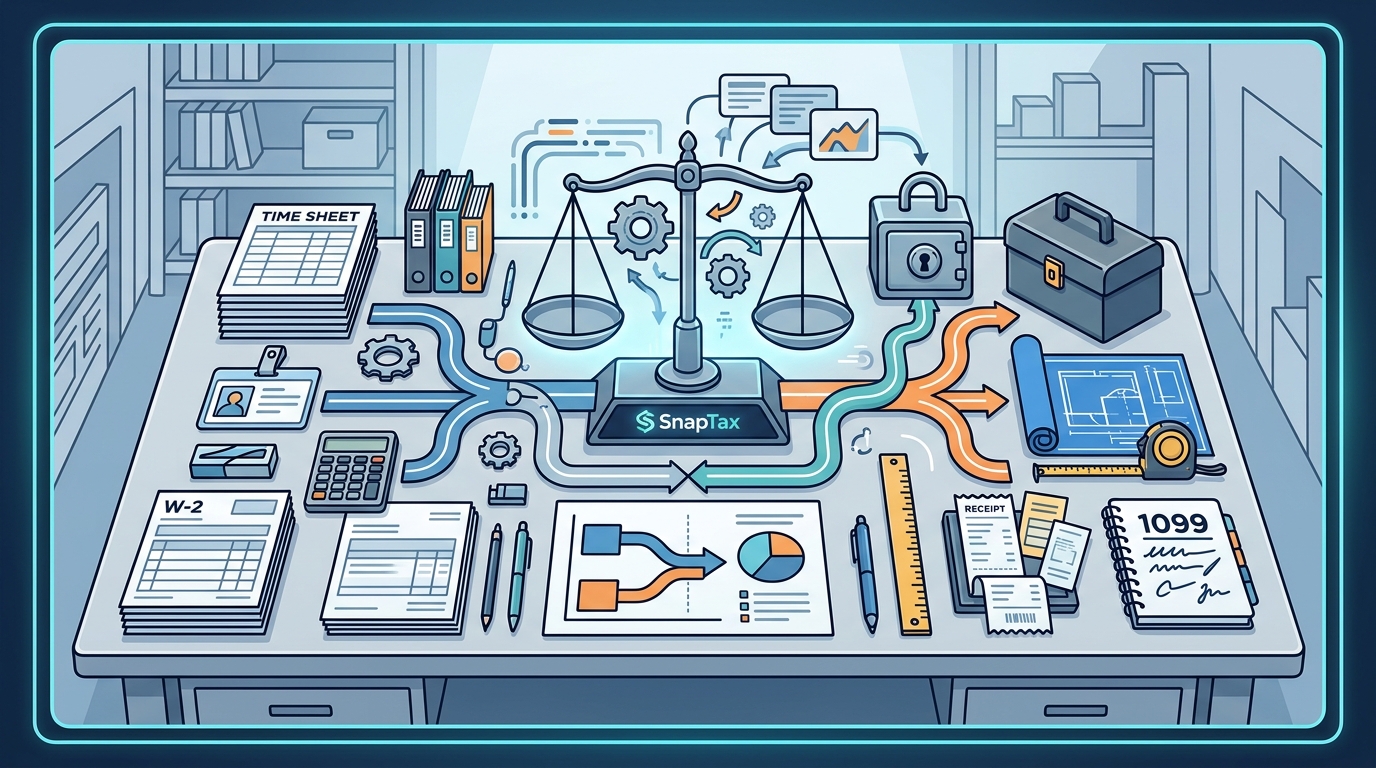
Your total taxable income is the sum of your W-2 wages and your net 1099 income. This combined total determines your marginal tax bracket. If your freelance income pushes you into a higher tax bracket, you will pay a higher percentage on the income that falls within that bracket.
For example, if your W-2 income puts you in the 22% bracket, and your 1099 income pushes you into the 24% bracket, you will pay 24% on the income above the threshold. It is important to plan your freelance income and deductions to manage your overall tax liability. SnapTax helps you visualize this by showing how your projected annual tax changes as you log income and expenses.
Streamlining with SnapTax
Managing dual income streams requires precision and consistency. SnapTax is built specifically for this scenario. It helps freelancers and 1099 workers track income, deductions, mileage, and quarterly taxes in one place. The platform offers three simple plans with no contracts and no setup fees.
The Starter plan is free for 30 days, then $4.99/month, offering manual income and expense logging. The Builder plan at $19.99/month adds bank statement uploads, AI categorization, and P&L reports. The Optimizer plan at $39.99/month unlocks itemized deductions, QBI, home office, and retirement tracking. Each plan is designed to help you stay tax-ready year-round.
Plan Comparison
| Feature | Starter | Builder | Optimizer |
|---|---|---|---|
| Price | $4.99/mo | $19.99/mo | $39.99/mo |
| Manual Logging | Yes | Yes | Yes |
| AI Categorization | No | Yes | Yes |
| Quarterly Estimates | Yes | Yes | Yes |
| QBI & Home Office | No | No | Yes |
| TurboTax Export | Yes | Yes | Yes |
Key Takeaways
- Self-Employment Tax: You owe 15.3% on net 1099 income, covering both halves of Social Security and Medicare.
- Quarterly Payments: You must make estimated tax payments four times a year to avoid IRS penalties.
- Deductions: Only business expenses related to your 1099 work are deductible, not W-2 job expenses.
- Tax Brackets: Combined income determines your marginal tax bracket, potentially pushing you into a higher rate.
- Record Keeping: Use tools like SnapTax to automate expense tracking and ensure accurate quarterly estimates.
- QBI Deduction: Qualified Business Income deduction may apply to your 1099 income, reducing taxable income.
- Export Options: SnapTax allows one-click TXF export to TurboTax for seamless tax filing.
Frequently Asked Questions
Do I pay self-employment tax on my W-2 income?
No. Self-employment tax only applies to your net 1099 freelance income. Your W-2 income is subject to standard income tax and the employee portion of Social Security and Medicare, which are withheld by your employer.
How do I calculate my quarterly estimated tax payments?
You can use the IRS Form 1040-ES or a tax calculator like SnapTax. SnapTax combines your year-to-date income and deductions with projection methods to calculate the exact amount due for each quarter, ensuring you stay compliant.
Can I deduct home office expenses if I have a W-2 job?
You can only deduct home office expenses if they are used exclusively and regularly for your 1099 business. If you have a dedicated office space for your freelance work, you may qualify for a deduction. SnapTax’s Optimizer plan helps track these specific expenses.
What happens if I underpay my quarterly taxes?
If you underpay, the IRS may charge you an underpayment penalty. This penalty is calculated based on the amount underpaid and the duration of the underpayment. Using SnapTax helps you avoid this by providing accurate real-time estimates.
Is the QBI deduction available to me?
The Qualified Business Income (QBI) deduction may allow you to deduct up to 20% of your qualified business income from your taxes. This deduction is available to many freelancers and small business owners. SnapTax tracks QBI eligibility automatically.
How does SnapTax handle W-2 income?
SnapTax allows you to manually enter your W-2 income to get a complete picture of your total tax liability. It does not import W-2 data directly but integrates it with your 1099 data to calculate your total estimated tax.
Can I export my data to TurboTax?
Yes. SnapTax allows you to export your Schedule C data in TXF format for one-click import into TurboTax. This makes filing your taxes at the end of the year seamless and accurate.
Get Started Today
Managing both W-2 and 1099 income does not have to be stressful. SnapTax provides the tools you need to track income, calculate taxes, and stay compliant throughout the year. Start your free 30-day trial today and take control of your financial future. Visit SnapTax to learn more about our plans and features.