

For independent contractors and gig workers, the tax system operates on a pay-as-you-go model. The Internal Revenue Service expects you to estimate and pay your own taxes four times a year. If you miss a deadline or underpay, you will owe interest and penalties. Data shows that many freelancers face underpayment penalties when they file in April because they did not set aside enough throughout the year. This guide explains exactly how to calculate your liability and avoid these costly mistakes using SnapTax.
Understanding the Underpayment Penalty
The IRS imposes an underpayment penalty when you do not pay enough tax through withholding or estimated tax payments. This penalty is not a fine for being self-employed. It is a charge for using the government's money interest-free. The penalty is calculated based on the amount underpaid and the number of days it was underpaid.
Most freelancers find out they owe penalties too late. They assume their annual tax return will cover the balance. However, the IRS requires quarterly payments to ensure a steady flow of revenue. If you earn 1099 income, you are responsible for both the income tax and the self-employment tax. The self-employment tax rate is 15.3%. This includes Social Security and Medicare contributions. Missing these payments can lead to significant financial stress during tax season.
Key Quarterly Tax Deadlines
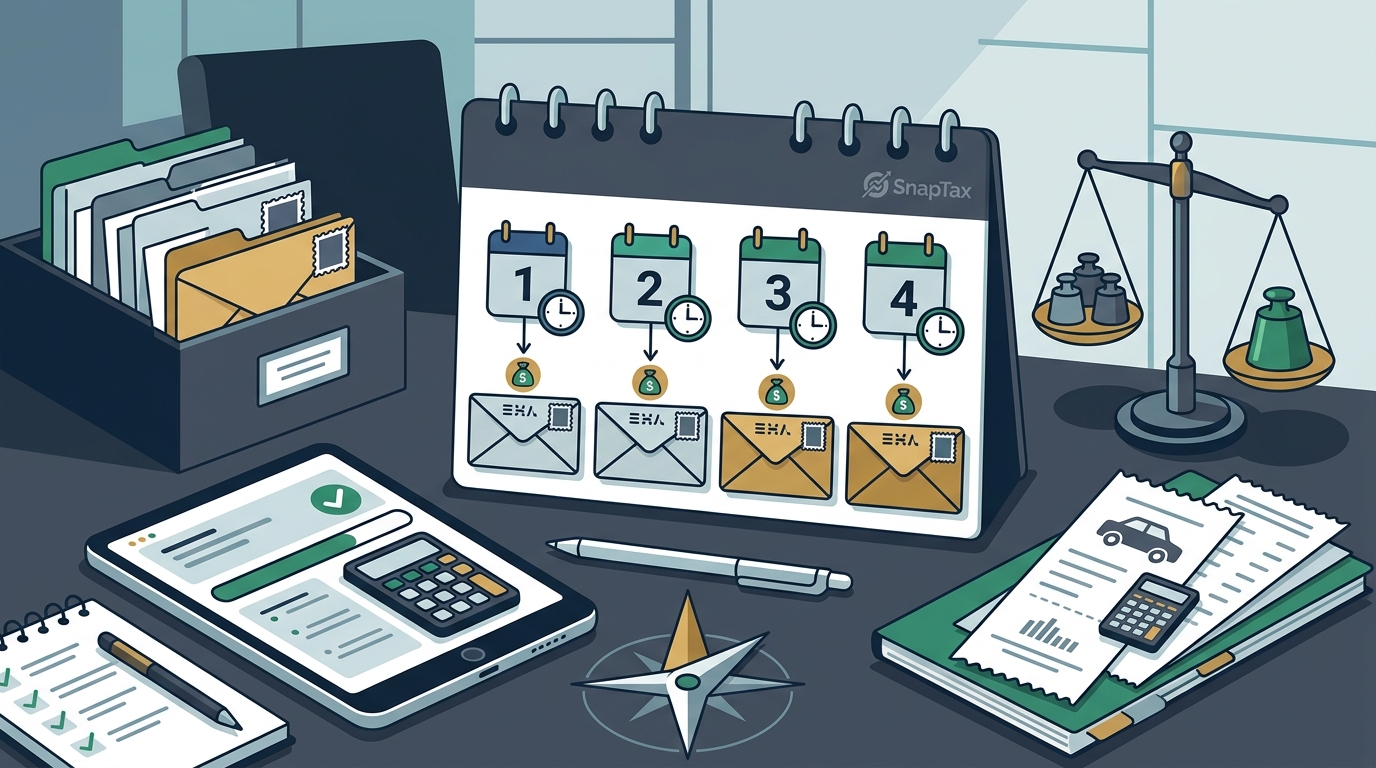
To avoid penalties, you must pay by the specific IRS deadlines. These dates do not change regardless of your income level. Missing a deadline by even one day can trigger the penalty calculation. The four quarterly estimated tax payment deadlines are:
- First Quarter: April 15
- Second Quarter: June 15
- Third Quarter: September 15
- Fourth Quarter: January 15 of the following year
If a deadline falls on a weekend or a holiday, the due date shifts to the next business day. For example, if April 15 is a Saturday, the payment is due on the following Monday. SnapTax tracks these dates automatically and sends you reminders. This ensures you never miss a critical payment window. You can view your upcoming deadlines directly in the SnapTax dashboard.
The Safe Harbor Rule Explained
The IRS provides a "safe harbor" rule that allows you to avoid underpayment penalties if you meet certain criteria. This rule is your primary defense against penalties. If you pay at least 90% of the tax shown on your current year's return, or 100% of the tax shown on your prior year's return, you are generally safe from penalties.
For high-income earners, the threshold for the prior year's tax liability increases. If your adjusted gross income on your prior year's tax return was more than $150,000, you must pay 110% of that year's tax to qualify for the safe harbor. This rule is critical for freelancers with fluctuating income. It allows you to smooth out your payments based on last year's performance.
SnapTax calculates your projected annual tax liability using current IRS tax brackets. It then compares this to your prior year's tax to determine the safe harbor amount. This real-time calculation helps you adjust your quarterly payments dynamically. You can read more about avoiding IRS quarterly tax penalties on our dedicated resource page.
Calculating Your Estimated Tax
Accurate calculation is the most difficult part of quarterly tax planning. You must estimate your total income and deductible expenses for the year. This includes your net profit from Schedule C. You must also account for the self-employment tax. The standard calculation involves applying the 15.3% rate to 92.35% of your net earnings.
Many freelancers use spreadsheets to track this data. However, manual calculations are prone to errors. A small mistake in your deduction categorization can lead to an underpayment. SnapTax uses AI to categorize your bank transactions into Schedule C categories. This ensures your net profit calculation is accurate. You can also track mileage and asset depreciation to maximize your deductions. Learn more about asset depreciation tax deductions for freelancers to reduce your taxable income.
Once you have your net profit, you apply the appropriate federal and state tax brackets. SnapTax updates these brackets annually. It also accounts for changes in the standard deduction. This provides a real-time picture of your federal and state tax liability. You can export your Schedule C data in TXF format for one-click import into TurboTax.
How to Make Quarterly Payments
There are several ways to make your quarterly estimated tax payments. The most common method is through the IRS Direct Pay system. This allows you to pay directly from your bank account. There is no fee for using this service. You can also use the Electronic Federal Tax Payment System (EFTPS) for larger payments or automated scheduling.
Another option is to pay by credit or debit card. Third-party processors handle these transactions. They charge a convenience fee, which is not tax-deductible. Some freelancers prefer this method to earn rewards points. However, the fees can add up over four payments. SnapTax provides direct links to the IRS payment portal. This streamlines the process and reduces friction.
Tracking your payments is essential. You must keep a record of each payment date and amount. SnapTax keeps a full payment history. This makes it easy to reconcile your payments with your tax return. You can also view your blog posts for more tips on financial management.
How SnapTax Prevents Penalties
SnapTax is built specifically for independent contractors, gig workers, and 1099 independent contractors. It replaces the guesswork of manual tax planning with automated precision. Here is how SnapTax helps you avoid penalties:
| Feature | Benefit for Penalty Avoidance | Available On |
|---|---|---|
| Quarterly Tax Estimates | Real-time projections based on current IRS tables. | All Plans |
| AI Expense Categorization | Ensures accurate net profit calculation for tax liability. | Builder & Optimizer |
| Mileage Tracker | IRS-compliant audit logs for maximum deduction. | Builder & Optimizer |
| Safe Harbor Calculator | Compares current vs. prior year tax to find safe amount. | Optimizer |
| Payment History | Tracks all payments to prevent double or missed payments. | All Plans |
The Starter plan is free for 30 days. It includes manual income and expense logging. The Builder plan at $19.99/month adds bank statement uploads and AI categorization. The Optimizer plan at $39.99/month unlocks itemized deductions and QBI tracking. You can start your free trial today.
Key Takeaways
- Pay on Time: The four quarterly deadlines are April 15, June 15, September 15, and January 15.
- Use Safe Harbor: Pay 90% of current year tax or 100% of prior year tax to avoid penalties.
- Track Deductions: Accurate expense tracking reduces taxable income and lowers liability.
- Include SE Tax: Remember to pay the 15.3% self-employment tax in addition to income tax.
- Use Technology: SnapTax automates calculations and deadline tracking to prevent errors.
- Monitor Income: Adjust payments if your income fluctuates significantly during the year.
- Keep Records: Maintain proof of all payments to resolve any IRS inquiries.
Frequently Asked Questions
What is the penalty for late quarterly tax payments?
The penalty is calculated as a percentage of the underpaid amount. It accrues daily from the due date until the payment is made. The rate is determined by the IRS and can change annually.
Can I avoid quarterly taxes if I earn less than $400?
If your net earnings from self-employment are less than $400, you generally do not need to pay estimated taxes. However, you may still owe self-employment tax when you file your annual return.
How does SnapTax calculate my tax liability?
SnapTax combines your year-to-date income and expenses with projection methods. It applies current federal and state tax tables to determine your estimated liability.
What happens if I miss a quarterly deadline?
If you miss a deadline, you will owe a penalty for that period. You should pay as soon as possible to minimize the interest accrued. SnapTax sends reminders to help you stay on track.
Do I need to pay state estimated taxes?
Most states require estimated tax payments if you expect to owe a certain amount. SnapTax calculates both federal and state tax liability for all 50 states.
Can I change my quarterly payment amount?
Yes, you can adjust your payments at any time. If your income increases, you should increase your payments to avoid penalties. SnapTax updates your projections in real-time.
Is SnapTax safe for my financial data?
SnapTax uses bank-level encryption to protect your data. You can read more about our security practices on our contact page.
Start Your Tax Planning Today
Avoiding quarterly tax penalties requires proactive planning and accurate tracking. SnapTax provides the tools you need to stay compliant and confident. Our AI-powered expense categorization and real-time tax projections ensure you never underpay. Start your free trial today and take control of your freelance taxes. Visit SnapTax.com to get started.