

Freelancers and independent contractors face a unique financial burden that W-2 employees never encounter. The Internal Revenue Service requires you to pay your taxes four times a year. If you miss a deadline or underpay, you will face interest and penalties. Most contractors discover this mistake too late. SnapTax helps freelancers and 1099 workers track income, deductions, mileage, and quarterly taxes in one place. This guide explains exactly how to calculate your liability and avoid costly errors.
Understand the Basics of Self-Employment Tax
Before diving into the math, you must understand what you are paying for. Self-employment tax covers Social Security and Medicare. For W-2 employees, their employer pays half of this tax. As a 1099 contractor, you pay both halves. This rate is currently 15.3% of your net earnings. This is a significant portion of your income that many new freelancers overlook.
Self-employment tax is a mandatory federal tax that covers Social Security and Medicare contributions for independent workers. Unlike traditional employees, you are responsible for the entire 15.3% contribution. This tax applies to your net profit from business activities. You must calculate this separately from your income tax. Understanding this distinction is critical for accurate quarterly planning.
Income tax is the standard tax levied on your earnings by the federal and state governments. This is calculated based on your taxable income after deductions. The rate varies depending on your total annual income and filing status. You must estimate this liability alongside your self-employment tax. Combining these two figures gives you your total tax obligation.
Step 1: Calculate Your Net Business Income
The first step in calculating your quarterly taxes is determining your net profit. This is not your gross revenue. You must subtract all legitimate business expenses from your total income. These expenses include software subscriptions, home office costs, supplies, and professional services.
Net business income is the total revenue generated by your business minus all allowable business expenses. This figure serves as the foundation for your tax calculations. You must keep detailed records of every dollar spent on business activities. Accurate tracking ensures you do not overpay taxes on money that is not profit.
Use the SnapTax 1099 Tax Calculator to input your income and expenses. The tool automatically categorizes your transactions using AI. This saves hours of manual data entry. You can upload bank statements in CSV, PDF, or OFX formats. The system sorts these into Schedule C categories automatically.
Step 2: Apply Federal and State Tax Rates
Once you have your net income, you apply the appropriate tax rates. Federal income tax is progressive. This means your tax rate increases as your income rises. You must look up the current tax brackets for your filing status. The rates range from 10% to 37% for the 2026 tax year.
State tax rates vary significantly by location. Some states have no income tax. Others have high rates that can exceed 10%. You must check your specific state's Department of Revenue website for current brackets. SnapTax calculates these rates for all 50 states. This ensures your estimate is accurate for your jurisdiction.
According to recent IRS data, the average self-employment tax rate remains fixed at 15.3%. This rate has not changed in recent years. However, income tax brackets are adjusted annually for inflation. You must use the latest tables for accurate projections. SnapTax updates its database with the latest IRS tax brackets automatically.
Step 3: Determine Quarterly Payment Amounts
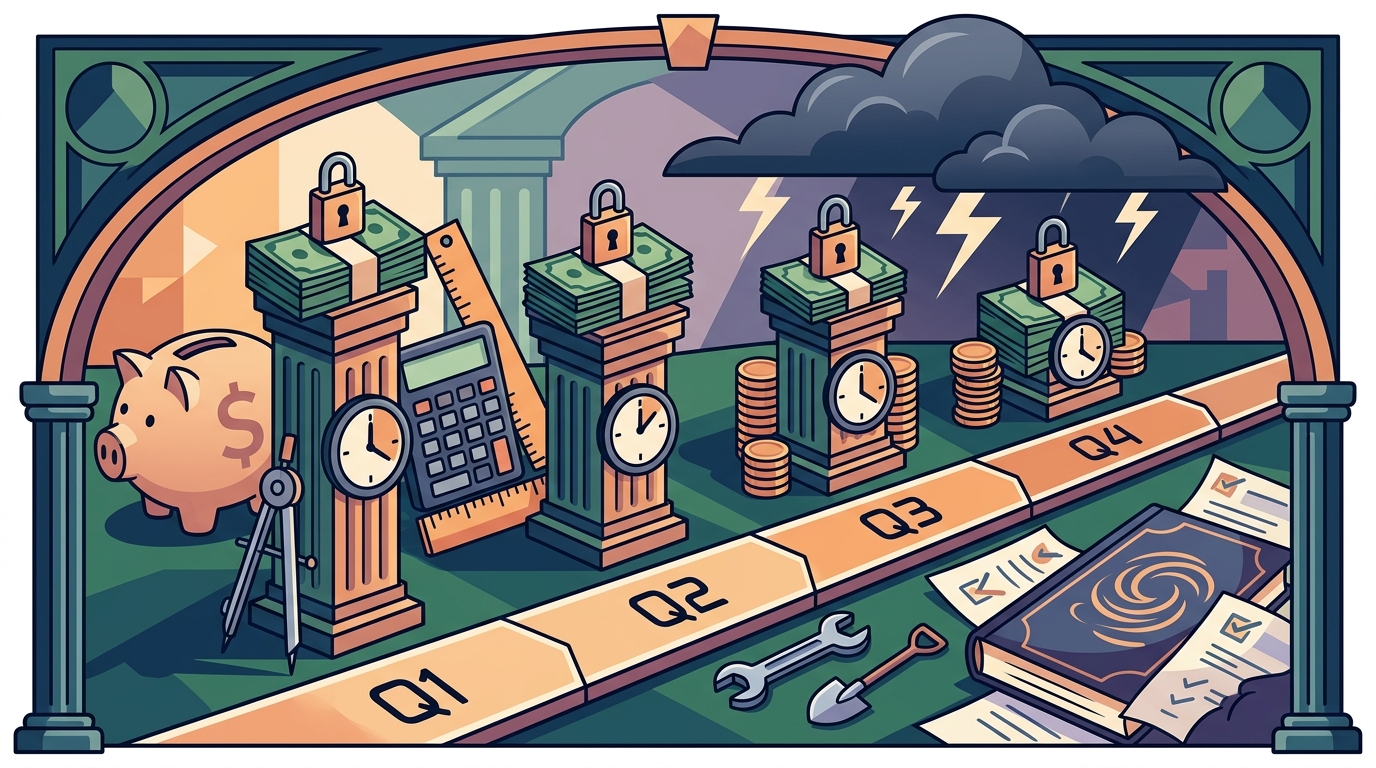
The IRS expects you to pay your taxes evenly throughout the year. This means dividing your total estimated annual tax liability by four. Each payment is due on a specific date. These dates are April 15, June 15, September 15, and January 15 of the following year.
Quarterly estimated taxes are payments made four times a year to cover your tax liability. These payments prevent underpayment penalties when you file your annual return. You must pay at least 90% of your current year's tax or 100% of the previous year's tax. This safe harbor rule protects you from penalties.
If your income fluctuates, you can use the Annualized Income Method. This method allows you to pay more when you earn more and less when you earn less. It is complex to calculate manually. SnapTax offers Flat Growth, Growth Adjusted, or Month-to-Month seasonal projections. These tools adjust your payments based on your actual earning patterns.
Avoid IRS Penalties and Underpayment Issues
Missing a quarterly deadline is a common mistake. The IRS charges interest on late payments. This interest compounds daily. It can add hundreds of dollars to your bill. You must track your payment history carefully.
Underpayment penalties are charged when you do not pay enough tax during the year. The threshold for avoiding this penalty is strict. You must meet the 90% current year or 100% prior year rule. If you fall short, the IRS will charge you for the difference. SnapTax tracks what you have already paid. It alerts you before every deadline.
Read our guide on Avoiding IRS Quarterly Tax Penalties for detailed strategies. Learn how to adjust your payments if your income changes. Early planning prevents financial stress in April. You can also explore Asset Depreciation Tax Deductions to lower your taxable income.
How SnapTax Automates This Process
Manual calculation is prone to error. SnapTax replaces spreadsheets and guesswork with real-time precision. The software combines your year-to-date income with projections for the rest of the year. It applies current federal brackets and self-employment tax rates instantly.
The platform offers three simple plans with no contracts. The Starter plan is free for 30 days. It costs $4.99/month thereafter. It includes manual logging and quarterly estimates. The Builder plan is $19.99/month. It adds bank uploads and AI categorization. The Optimizer plan is $39.99/month. It unlocks itemized deductions and QBI tracking.
SnapTax is built for independent contractors, gig workers, and consultants. If you receive 1099-NEC or 1099-K income, this tool keeps you tax-ready. You can export your Schedule C data in TXF format. This allows one-click import into TurboTax or your CPA's software. Visit our About page to learn more about our mission.
Key Takeaways
- Self-employment tax is 15.3% of your net earnings.
- You must pay taxes four times a year to avoid penalties.
- Net income is gross revenue minus all business expenses.
- SnapTax offers plans starting at $4.99/month for freelancers.
- Quarterly deadlines are April 15, June 15, Sept 15, and Jan 15.
- AI categorization reduces manual data entry errors significantly.
- TurboTax export is available in TXF format for all plans.
Frequently Asked Questions
What is SnapTax?
SnapTax is tax planning software built specifically for freelancers, gig workers, and 1099 independent contractors. It tracks income and business expenses throughout the year and calculates a real-time federal and state tax estimate. This includes self-employment tax. Users always know what to set aside before each quarterly payment deadline.
How does SnapTax calculate what I owe?
SnapTax combines actual year-to-date income and expenses with one of three projection methods. These are Flat Growth, Growth Adjusted, or Month-to-Month seasonal projections. It then applies current 2026 federal and state tax tables to determine your liability.
What are the quarterly tax deadlines?
The IRS requires estimated tax payments on April 15, June 15, September 15, and January 15. Missing these dates results in interest and penalties. SnapTax tracks these dates and sends reminders to ensure you pay on time.
Can I deduct home office expenses?
Yes, if you use part of your home exclusively for business. SnapTax's Optimizer plan tracks home office deductions automatically. This can significantly reduce your taxable income. Consult a tax professional for specific eligibility rules.
How do I avoid underpayment penalties?
You must pay at least 90% of your current year's tax or 100% of the previous year's tax. SnapTax calculates this threshold for you. It alerts you if your payments are falling short of the safe harbor requirement.
Is SnapTax compatible with TurboTax?
Yes, SnapTax exports your Schedule C data in TXF format. This allows one-click import into TurboTax. This feature is available in all paid plans. It saves time when filing your annual return.
What is the Starter plan price?
The Starter plan is free for 30 days. After that, it costs $4.99/month. It includes manual income and expense logging. It also provides quarterly tax estimates and TurboTax export capabilities.
Start Calculating Your Taxes Today
Stop guessing your tax liability. SnapTax gives you a real-time picture of your federal and state tax liability all year long. Enter your income and deductions, and we calculate your estimated quarterly payment. Visit snaptaxapp.com to start your free trial. Take control of your finances now.